
Download Instructions That Stop Support: 3 Key Items for Craft Sellers

Most support tickets on a craft marketplace trace back to one missing page: a one-page “start here” sheet with the correct print settings and a tested download link. Every buyer needs three things stated plainly, in this order — what they’ve bought and how to use it, exactly how to print it, and who to contact if something breaks. Get those three right and the rest of your listing does the selling for you.
TL;DR:
- Clear, concise download instructions should be the first page of the file, including paper size, print scale, orientation, and quality settings.
- Embedding fonts and setting image resolution to 300 DPI prevents layout shifts and blurry prints for buyers.
- Testing the download process in an incognito browser and on multiple devices ensures buyers experience the files as intended before going live.
- Providing both A4 and US Letter versions avoids common printing issues caused by resizing or asymmetric margins.
- Using a reliable marketplace like Craftsuprint allows for direct hosting, tested downloads, and increased visibility through promotional programs.
Table of Contents
- How do you write download instructions buyers actually read?
- What goes into your file-prep checklist before you upload?
- What exact printing instructions should you give buyers?
- How do you test a download before it goes live?
- How much support should each download actually need?
- Why buyer messages are the best editing tool you have
- Where to publish and promote your tested downloads
- Sources
- FAQ
How do you write download instructions buyers actually read?
Nobody reads a manual. They read the first page, skim for a heading in bold, and print. That’s why your instructions need a copyable “quick-start” as page one of the delivery, not buried in a README nobody opens.
Here’s a template you can paste straight into a PDF or a listing description:
Success line (top of page): “This kit lets you make three handmade cards in about 20 minutes, once printed and cut.”
What’s inside:
- Start_Here.pdf (this page)
- Product_Files (A4).pdf
- Product_Files (US Letter).pdf
- License.pdf
Open this first — by device:
- Desktop: download the ZIP, extract to a folder, open the PDF in Adobe Reader or your browser.
- Mobile: tap the download link, choose “Open in” a PDF app rather than a photo viewer.
- Tablet or app users: use a free PDF reader app if your device’s built in viewer strips fonts or scaling.
Need help? Email us with your order number, device type, and a screenshot of the issue.
That single-line contact instruction matters more than it looks. According to SenseCentral’s guidance on explaining printing instructions, repeating the access steps in both the listing and the delivery PDF, with a dedicated start here page, means buyers never have to hunt back through their purchase history to find what to do next.
Pro Tip: Write the success line before you write anything else. If you can’t summarise the outcome in one sentence, the rest of your instructions will ramble too.
What goes into your file-prep checklist before you upload?
A tidy folder structure prevents half the “which file do I open?” messages before they’re sent. Name folders and files the same way every time you publish, so returning customers recognise the pattern instantly:
- Start_Here.pdf — the quick-start, always first alphabetically and visually
- Product_Files — your actual printable designs, split by paper size where relevant
- License.pdf — usage terms, kept short
- Help.pdf — troubleshooting and version notes
Embed all fonts into your PDFs, or convert text to outlines, so a missing font on the buyer’s computer never reflows your layout. Set every image to a minimum of 300 DPI, and keep margins at 0.5 to 0.75 inches so home printers with limited edge-to-edge printing don’t clip your design.
Designers selling to a worldwide audience should include both A4 and US Letter versions rather than one and a note saying “resize as needed” — buyers rarely do, and asymmetric margins are one of the most common complaints in printable PDF listings. If your bundle runs large, an access PDF linking to an organised cloud folder beats forcing a slow ZIP download, particularly for mobile buyers on limited data.
What exact printing instructions should you give buyers?
Vague printing advice (“print at home for best results”) is worse than none, because it invites buyers to guess. Give them the actual steps, worded so they can follow along in their print dialogue box without translating jargon first.
- Choose the right file. “Print Product_Files (A4).pdf if you’re in the UK or Europe. Print Product_Files (US Letter).pdf if you’re in the US or Canada.”
- Set scaling correctly. “In your print dialogue, select ‘Actual size’ or ‘100%’. Do not select ‘Fit to page’ or ‘Shrink to fit’ — this will resize your design and throw off any cutting guides.”
- Set orientation. State portrait or landscape explicitly rather than assuming the software will guess correctly.
- Pick print quality. “Choose ‘Best’ or ‘High Quality’ rather than ‘Draft’ or ‘Normal’ for card fronts and anything with fine detail.”
- Recommend paper. Cardstock (around 200 to 300gsm) for card fronts; standard printer paper for templates and cutting guides that get discarded.
- Flag bleed and double-sided work. If your design uses a full bleed, tell buyers there’s a small safe margin built in and that trimming to the crop marks is expected, not a fault in the file. For double-sided designs, specify whether the buyer needs “flip on short edge” or “flip on long edge” in their printer settings.
Placing this printing sheet as the literal first page of the printable file, ahead of the design itself, is one of the simplest fixes going. LessonCraftStudio’s formatting guidance notes that a one-page instruction sheet with paper size, scaling, orientation and quality settings heads off the majority of printing-related support messages before they happen.
Pro Tip: Print your own file at home before you publish it. If you catch yourself adjusting a setting to make it look right, your buyer will hit the exact same snag.
How do you test a download before it goes live?
Test the package the way a stranger would experience it, not the way you built it. Open your listing in an incognito or private browser window, download the files as if you’d just paid for them, and check that nothing asks for permission it shouldn’t.
- Open the download on a desktop browser, then again on a mobile phone. Mobile apps often handle ZIPs and PDFs differently, and that’s where fonts silently break.
- Test any cloud storage link (Google Drive, Dropbox) in that same incognito window. Etsy’s seller guidance on customer help PDFs points out that links which look public to the creator often return a “request access” screen to buyers, purely because of ownership permissions set at account level.
- If a buyer reports a broken link, ask for three things before troubleshooting further: a screenshot of the error, their device type, and the exact filename they tried to open.
| Common issue | Quick fix to offer |
|---|---|
| ZIP won’t open on mobile | Suggest a free unzip app, or offer the files individually |
| Fonts look wrong when printed | Send a flattened PDF as a workaround |
| Cloud link asks for access | Fix sharing settings, resend a tested link |
| File looks blurry printed | Confirm they’re not using “Fit to page” scaling |
How much support should each download actually need?
Good instructions work in layers, because different buyers need different depths of help. A confident crafter wants page one and nothing else. A first-timer wants the full walkthrough. Structure your PDF so both get served without either feeling patronised or abandoned:
- Layer one: the one-page quick-start, giving an immediate route to success.
- Layer two: a longer illustrated guide covering setup steps in more detail, for anyone who wants pictures alongside instructions.
- Layer three: a troubleshooting page plus a short version log, so returning buyers can tell if they’ve got the current files.
Keep a backup cloud link alongside your main delivery method, and treat every buyer message as feedback on the instructions themselves, not just the product. If three people ask the same question in a month, that’s not bad luck. That’s a gap in your Start Here page.
Why buyer messages are the best editing tool you have
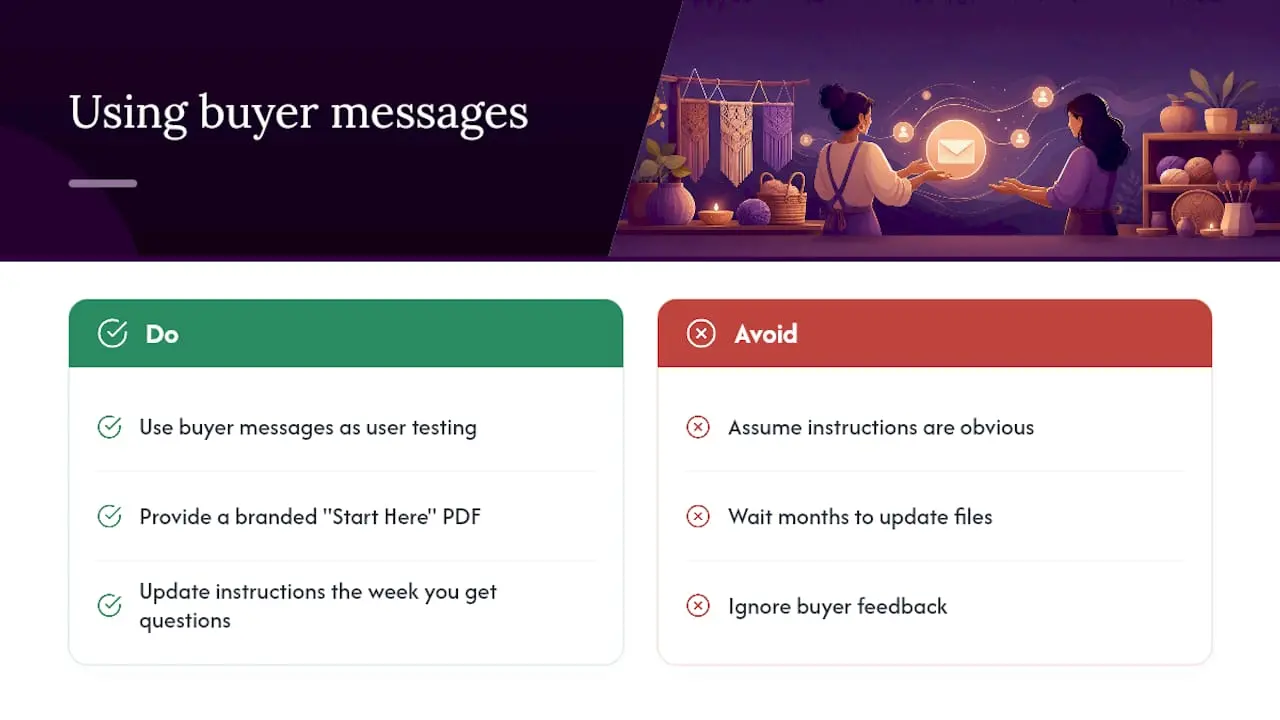
Every message a buyer sends you is a line of user testing you didn’t have to pay for. The instructions you think are obvious rarely are, and the gap between what you wrote and what a stranger understood only shows up once real customers start opening the file.
A consistent, branded instruction PDF also does quiet work on trust. Buyers who get a clean, professional-looking Start Here page assume the rest of the product was made with the same care, and that assumption shows up in reviews and repeat purchases far more often than any single design tweak does. Treat your instructions as a living document. Update them the week you get an unexpected question, not the month you finally get round to it.
— Rob
Where to publish and promote your tested downloads
Once your instructions are written and tested, the file needs somewhere reliable to live. Craftsuprint gives independent designers a marketplace already built for printable craft files, with the file storage, listing tools and buyer reach that a personal website or generic file host simply doesn’t offer on its own.
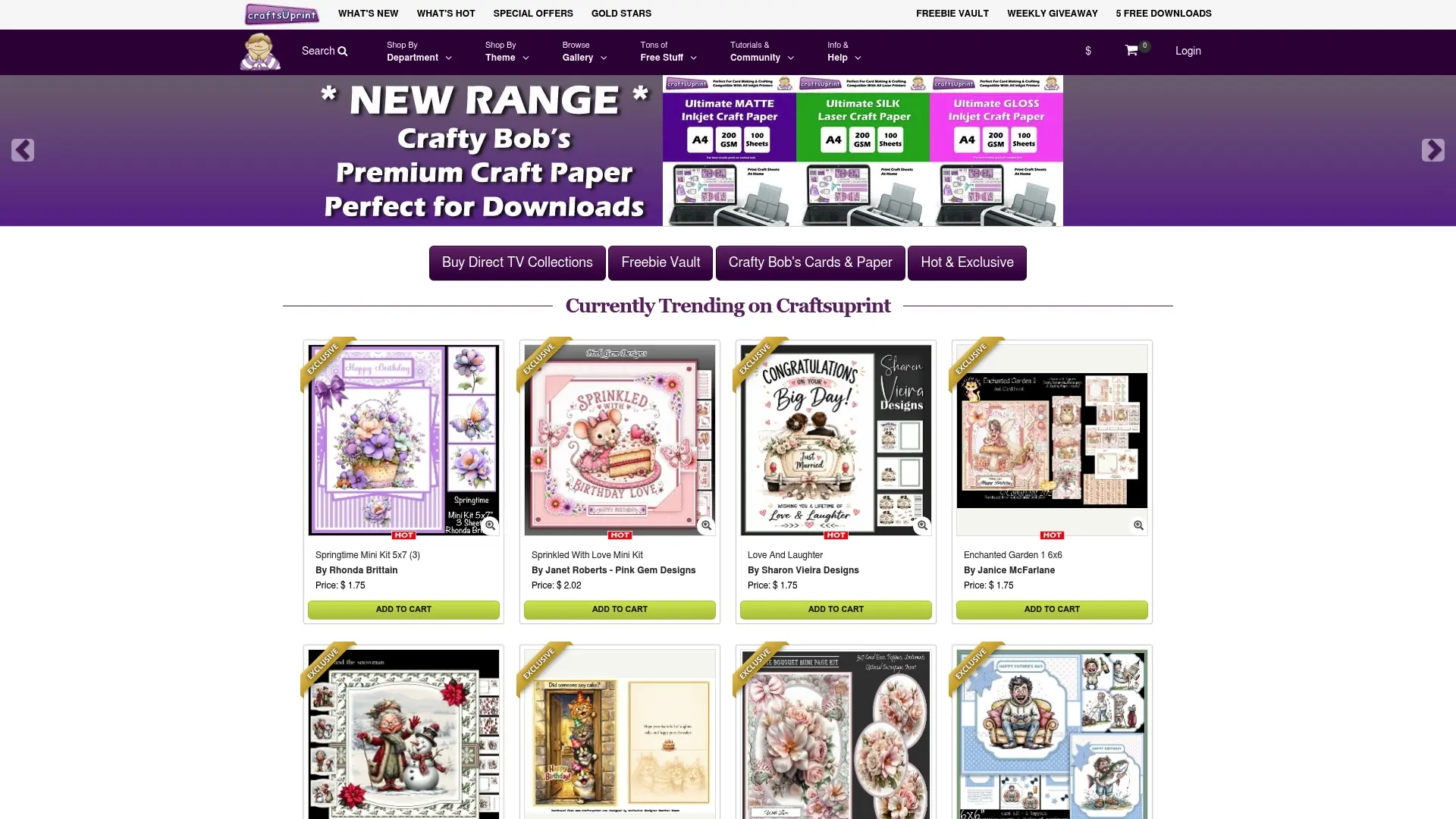
Rather than juggling separate cloud links and hoping they stay public, you can upload your Start Here PDF and product files directly, then test the buyer-facing download exactly as described above before you go live. The Create & Craft Downloads section gives you a category of engaged buyers actively looking for printable kits, patterns and templates, and the Create & Craft Download programme offers extra visibility for designers who want their work featured beyond their own listing page. New sellers can also check the free Create and Craft members’ gift page for current promotional opportunities tied to member offers. If you’re ready to publish, upload your tested Start Here PDF today and see how buyers respond.
Sources
For deeper technical checks, see Craftsuprint’s notes on the role of digital downloads in crafting, plus practical examples of applying printed craft files in family archive wall projects.
FAQ
What’s the minimum a download instruction needs?
State what the buyer receives, how to open it on their device, the exact print settings (paper size and 100% scaling), and one way to contact you if something’s wrong.
Should I include both A4 and US Letter files?
Yes, if you sell internationally. Selling a single paper size and asking buyers to resize themselves causes the asymmetric margin problems that drive most printing complaints.
Why do my cloud links say “request access” for some buyers?
Sharing permissions set at account level often make a link look public to you but private to strangers. Always test the link in an incognito browser window before publishing.
Where should the printing instructions sit in the file?
On the very first page, ahead of the design itself, so buyers see paper size, scaling, orientation and quality settings before they hit print.
Can Craftsuprint host my tested download files?
Yes. Craftsuprint’s marketplace lets designers upload product files, a Start Here PDF and licensing information directly, alongside the Create & Craft Downloads section for buyer visibility.