
Why use digital paper patterns for your crafts
TL;DR:
- Digital paper patterns provide instant access to cost-effective, precise, and reusable templates for crafting projects. They save time, reduce environmental impact, and improve accuracy compared to physical patterns, especially with proper workflow practices. Embracing digital patterns enhances ergonomic comfort, organization, and creative control, making them the practical choice for modern crafters.
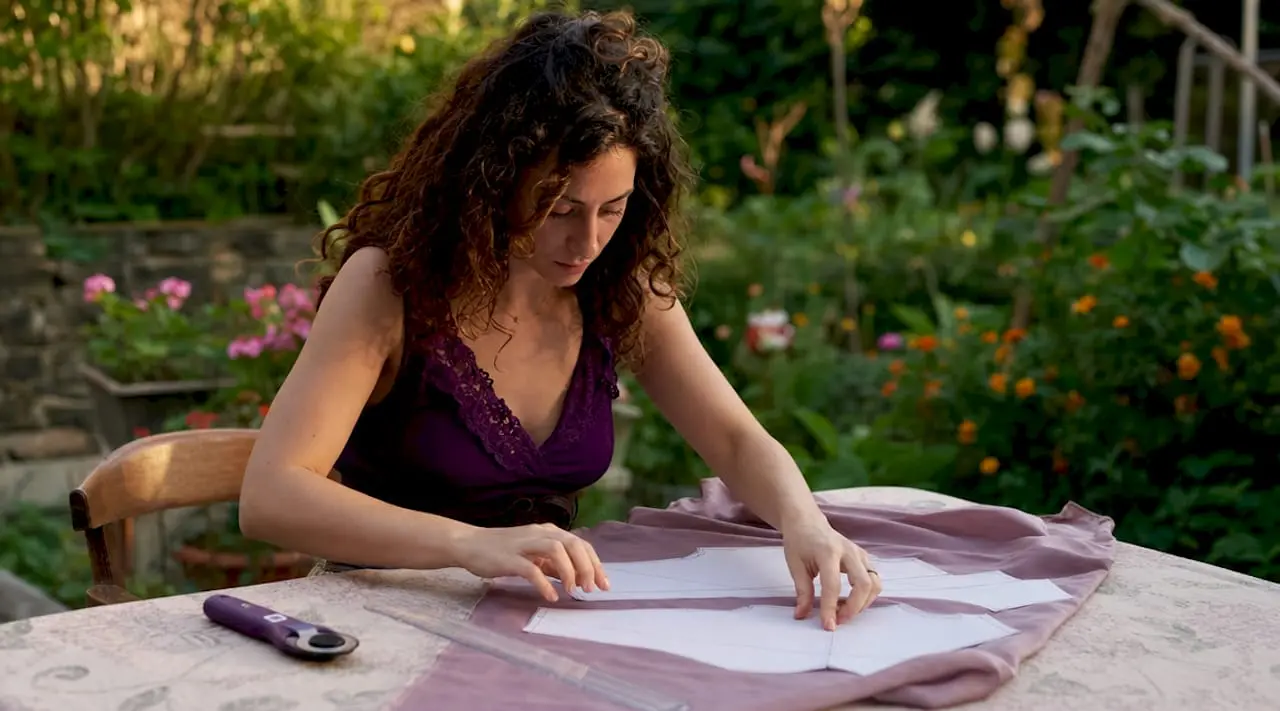
Digital paper patterns are downloadable, printable, or projectable templates that give crafters instant access to precise, reusable designs without the cost or delay of physical delivery. If you have ever wondered why use digital paper patterns instead of buying a printed version from a shop, the answer comes down to three things: speed, savings, and creative control. These patterns arrive as PDF files the moment you purchase them, ready to print at home or project directly onto your fabric or card stock. Craftsuprint has built its entire platform around this principle, offering hundreds of ready-to-download designs for card making, paper crafts, and decorative projects that you can start using within minutes.
Why use digital paper patterns to save money and time
The financial case for choosing digital patterns is straightforward. Digital patterns cost approximately 50% less than their traditional printed counterparts, because there are no printing, packaging, or shipping overheads to pass on to the buyer. That saving compounds quickly if you are a regular crafter buying multiple patterns each month.
Time savings are equally significant. Digital pattern methods save 70% of users more than 15 hours per project by removing the need for manual tracing and eliminating shipping delays. For a crafter working to a deadline, those hours are the difference between finishing a project and missing it entirely.
Consider two common scenarios. If you print at home on A4 or letter-size paper, you pay only for ink and paper, and you can reprint a single piece if you make a cutting error. If you prefer a larger, assembled sheet, many copy shops offer A0 printing for a modest fee, giving you a single-sheet pattern without any taping. Either way, the cost stays well below what a posted physical pattern would set you back once you factor in international shipping rates.
The benefits of digital patterns extend beyond the obvious price tag:
- No shipping wait. Instant access worldwide means you can start a project the same afternoon you discover a design.
- No storage clutter. A folder on your computer or cloud storage holds thousands of patterns in the space a single physical envelope would occupy.
- Reprint as needed. Damaged or lost pieces are reprinted in seconds, not reordered over days.
- Market growth confirms demand. The digital pattern market is growing at 12% annually, which reflects how many crafters have already made the switch and found it worthwhile.
Pro Tip: Before printing a full pattern, print only the pages containing the sizes or layers you actually need. Most layered PDF patterns let you toggle individual size layers on or off in Adobe Acrobat Reader or a free PDF viewer, which cuts ink consumption and keeps your printed sheets uncluttered.
How do digital patterns compare to physical ones for precision?
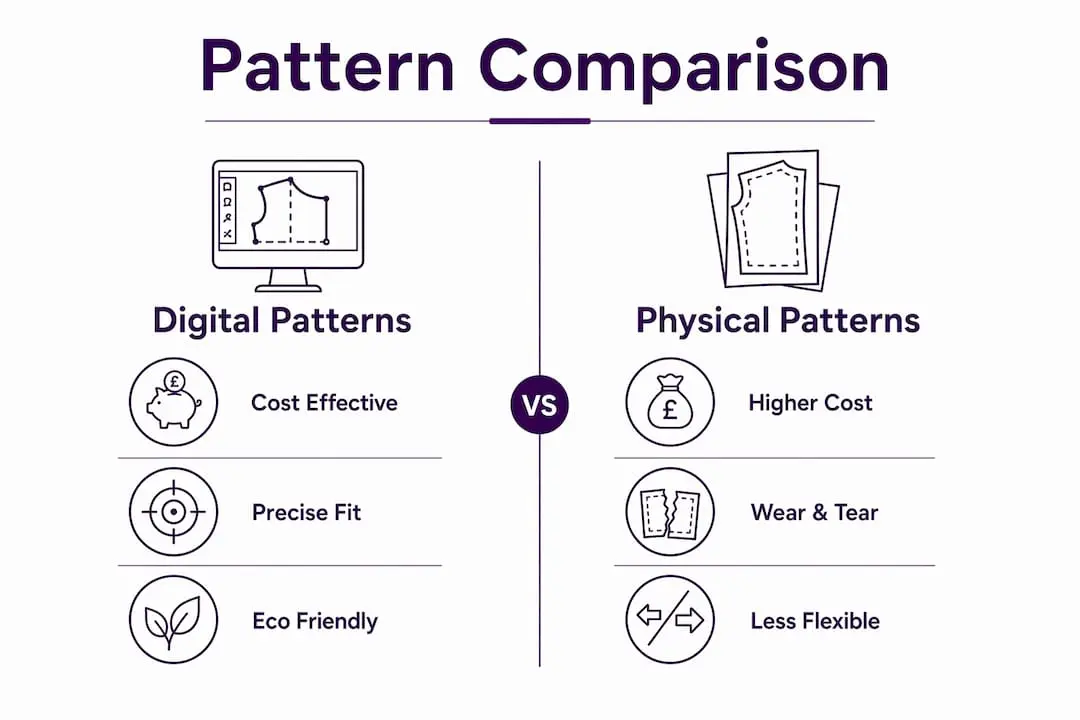
Precision is where the advantages of digital sewing and crafting patterns become most apparent. Professional digital pattern tools deliver accuracy within millimetres, outperforming hand-drafted paper patterns that are subject to pencil width, ruler slip, and paper stretch. When you are cutting card stock for a layered paper flower or fitting a garment, that level of accuracy matters.
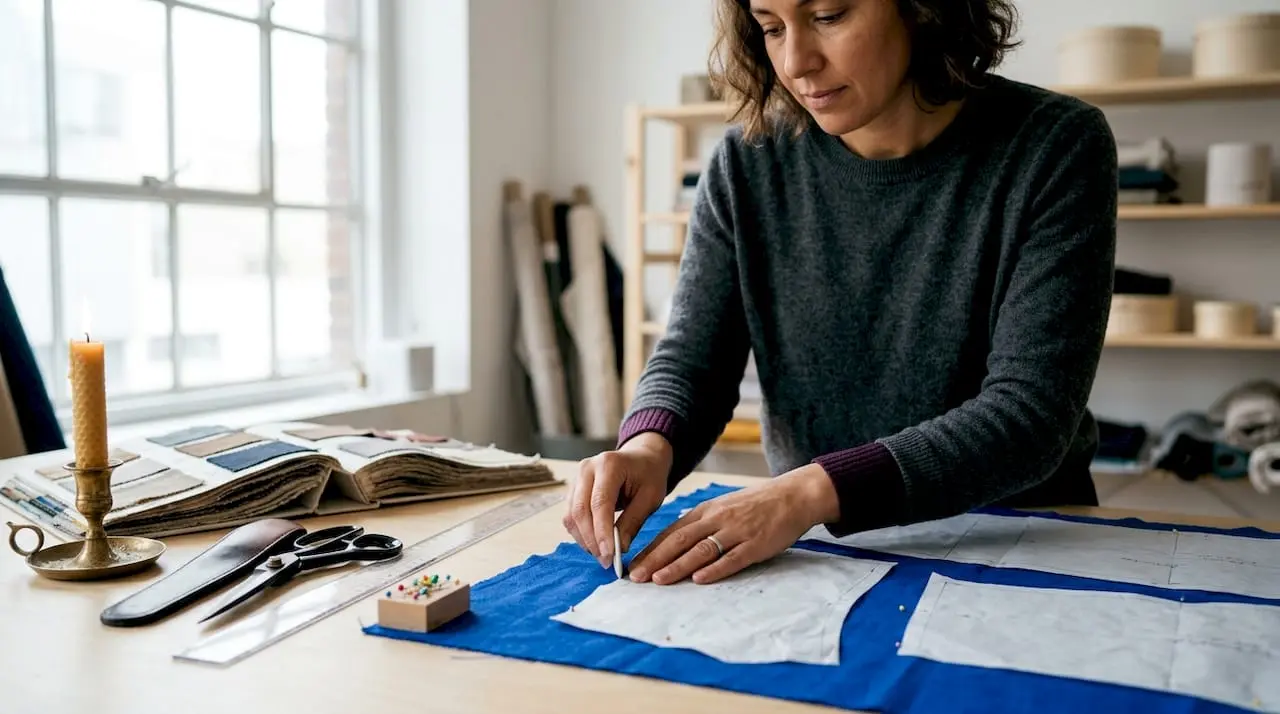
Physical patterns also degrade. Paper yellows, tears along fold lines, and distorts when stored in damp conditions. A digital file stored correctly on a hard drive or cloud service like Google Drive or Dropbox remains identical to the day you downloaded it, whether you open it one month or five years later.
The table below shows how digital and physical patterns compare across the criteria that matter most to a working crafter.
| Criteria | Digital patterns | Physical patterns |
|---|---|---|
| Cost per pattern | ~50% lower | Full retail plus postage |
| Delivery time | Instant download | 3 to 14 days shipping |
| Storage space | Zero physical space | Dedicated drawer or box |
| Accuracy | Millimetre-level precision | Subject to manual drafting error |
| Resizing | Edit in software or reprint at scale | Requires redrawing by hand |
| Reprinting | Free, unlimited | Not possible |
| Environmental impact | Low (no packaging or shipping) | Higher (paper, plastic, transport) |
The flexibility column is worth dwelling on. Resizing a physical pattern means tracing it onto fresh paper and redrawing every curve by hand. With a layered PDF, you either select a different size layer before printing or, if you are using a projector, you adjust the throw distance to scale the image up or down. Digital tools in patternmaking expand portability, letting you draft or review patterns on a laptop at a kitchen table rather than needing a dedicated cutting room with a large flat surface.
Pro Tip: Always print the calibration square included on the first page of a PDF pattern and measure it with a ruler before printing the full pattern. If the square does not measure correctly, adjust your printer’s scale setting until it does. Skipping this step is the single most common cause of sizing errors.
For crafters who want to explore paper pattern basics before committing to a full digital workflow, understanding the terminology makes the transition much smoother.
Are digital paper patterns better for the environment?
The environmental case for digital patterns is one of the most compelling and least discussed benefits. Digital pattern systems reduce fabric waste and shipping-related carbon emissions, which makes them a natural fit for crafters who want their hobby to align with their values.
Physical patterns require paper for the pattern itself, cardboard or plastic for packaging, and fuel for delivery. A single posted pattern may seem trivial, but across thousands of purchases per year the cumulative impact is substantial. Digital delivery eliminates all three of those material streams at once.
“Digital patternmaking is a pillar of sustainable fashion, reducing physical waste and transport emissions significantly.” — Style3D Blog
Sustainable crafting with digital patterns does not stop at the download. You can extend the environmental benefit through the choices you make when printing:
- Use recycled paper for pattern pieces that will be cut around and discarded after use.
- Print only what you need. Disabling unwanted size layers before printing reduces ink and paper waste on every job.
- Choose eco-friendly ink cartridges or refillable systems to lower the chemical footprint of home printing.
- Go projector-based. Projecting a pattern directly onto fabric or card stock skips the printing stage entirely, producing zero paper waste for that project.
- Share, not ship. When a fellow crafter admires your design, you can share the file digitally rather than posting a physical copy.
The digital fashion industry’s growing role in eco-friendly design workflows is not limited to large studios. Home crafters who adopt digital patterns are participating in the same shift, at a scale that is meaningful when multiplied across a community of thousands.
How to use digital paper patterns effectively
Knowing the benefits of digital patterns is one thing. Getting the most from them in practice requires a clear workflow. The steps below cover the full process from download to finished project.
-
Download and organise your files immediately. Create a folder structure on your computer or cloud storage, organised by project type or designer. Rename files with descriptive titles rather than leaving them as generic download names. A well-organised library saves significant time when you return to a pattern months later.
-
Open the PDF in a dedicated viewer. Adobe Acrobat Reader is free and handles layered PDFs correctly. Some browser-based PDF viewers strip layer information, which means you lose the ability to toggle sizes on and off.
-
Toggle layers before printing. Open the Layers panel in Acrobat Reader and switch off every size you do not need. This is the step most beginners skip, and it is the one that reduces printing confusion and ink waste most dramatically.
-
Print the calibration square first. Measure the printed square against the stated dimensions on the pattern. Adjust your printer’s scale setting to 100% (not “fit to page”) and reprint if the measurement is off. Printing a test square is the single most reliable way to avoid costly sizing errors.
-
Choose your printing method. Home printing on A4 sheets works well for most projects and requires taping pages together at the alignment marks. Copy shops offering A0 or A1 printing produce a single large sheet with no assembly required. For fabric-based projects, a projector-based approach projects the pattern directly onto your material, eliminating paper entirely.
-
Assemble printed sheets carefully. Trim the margins on the pages indicated by the pattern instructions, then align the registration marks before taping. Work on a flat surface and use low-tack tape so you can reposition if needed.
-
Back up your pattern library. Store copies in at least two locations, such as a local hard drive and a cloud service. Patterns purchased from Craftsuprint can typically be re-downloaded from your account, but having a local backup means you can work offline without interruption.
Pro Tip: If you use a projector for fabric projects, mark the four corners of your cutting area with tape on the floor before you begin. This lets you reposition the projector quickly if it is accidentally knocked, without losing your calibration.
For a broader look at how digital downloads fit into modern crafting, the role of digital downloads in the hobby community is worth reading alongside this guide.
Crafters who want to go further with their digital toolkit will find that digital paper crafts tools and projects open up a wide range of creative possibilities beyond basic pattern printing.
Key takeaways
Digital paper patterns deliver the clearest advantages in cost, precision, speed, and sustainability, making them the practical default for any crafter who values efficiency and creative flexibility.
| Point | Details |
|---|---|
| Cost savings are immediate | Digital patterns cost around 50% less than physical versions, with no shipping or packaging fees. |
| Time savings are substantial | 70% of users save more than 15 hours per project by removing manual tracing and shipping delays. |
| Precision outperforms hand drafting | Digital tools achieve millimetre-level accuracy that paper and pencil cannot reliably match. |
| Environmental impact is lower | Eliminating packaging, shipping, and excess printing reduces both waste and carbon emissions. |
| Workflow is learnable quickly | Printing a calibration square and toggling PDF layers are the two habits that prevent most beginner mistakes. |
Why I think digital patterns changed crafting more than people admit
I have been working with craft designers and hobbyists for long enough to notice a pattern in how people talk about going digital. Most frame it as a convenience upgrade, a way to get patterns faster and cheaper. That is true, but it undersells what actually changes when you make the switch.
The real shift is ergonomic and psychological. Digital patternmaking improves ergonomic comfort and accessibility in ways that matter enormously to crafters who work in small flats, at kitchen tables, or alongside other household demands. When your entire pattern library lives in a folder rather than a box under the bed, you start projects more readily. The friction of finding, unfolding, and tracing a physical pattern is small in isolation, but it accumulates into a genuine barrier over time.
I have also seen crafters underestimate the learning curve and then abandon digital patterns after one frustrating print job. The calibration square step feels tedious the first time. Layer toggling in Acrobat Reader is not immediately obvious. But these are one-time learning moments, not ongoing obstacles. Once you have done it twice, the workflow becomes second nature.
The other thing worth saying plainly: digital does not mean inferior. Some crafters still associate “printable” with “lesser quality,” as if a downloaded pattern is somehow less legitimate than one that arrived in an envelope. The designs available on platforms like Craftsuprint are created by professional designers and independent artists who put the same care into a digital file as any print publisher would. The format is different. The quality does not have to be.
My honest advice is to start with one project, follow the calibration step without skipping it, and give yourself permission to reprint a page if something goes wrong. The cost of reprinting is negligible. The confidence you build from a successful first project is not.
— Rob
Explore digital patterns on Craftsuprint
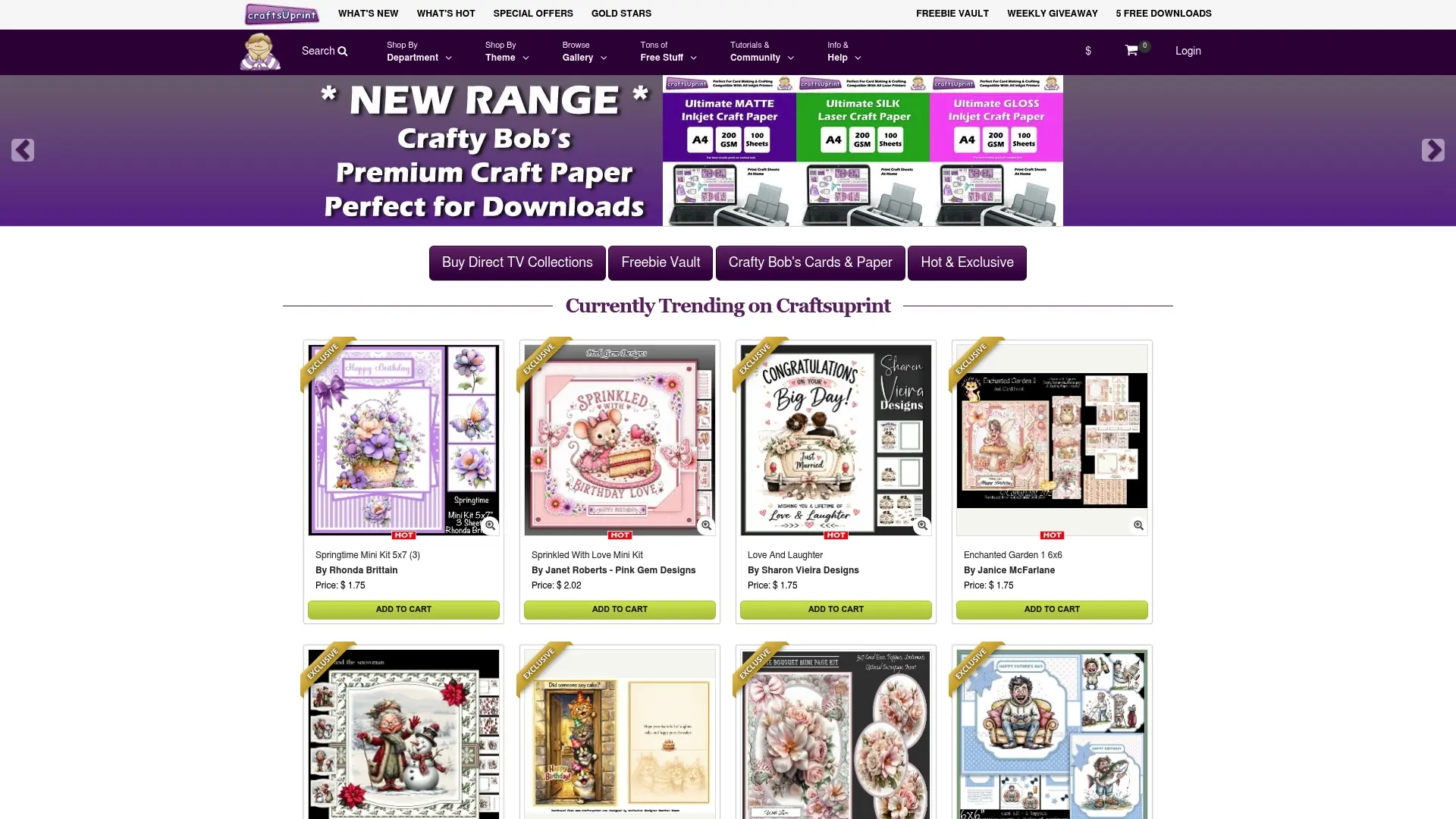
Craftsuprint offers hundreds of instantly downloadable digital paper patterns and craft kits, from card making and paper flowers to themed seasonal designs. Every file is available the moment you purchase it, with no waiting and no postage costs. If you are new to the platform, the free members gift is a great starting point, giving you access to digital downloads and exclusive resources at no cost. For crafters looking to stock up on materials or discover new designs, the paper crafts marketplace lists a wide range of printable supplies and pattern downloads from independent designers. Start your next project today and see how much faster and more enjoyable crafting becomes when your patterns are always one click away.
FAQ
What are digital paper patterns?
Digital paper patterns are downloadable PDF or image files containing printable templates for craft, sewing, or paper projects. They are purchased online and delivered instantly, with no physical shipping required.
Why choose digital patterns over printed ones?
Digital patterns cost around 50% less than printed versions and arrive instantly, eliminating shipping delays. They can be reprinted as many times as needed and stored without taking up physical space.
How do I print a digital pattern correctly?
Open the file in Adobe Acrobat Reader, toggle off any size layers you do not need, and print the calibration square first. Measure the square against the stated dimensions and adjust your printer’s scale to 100% before printing the full pattern.
Can I use digital patterns without a printer?
Yes. A projector can display the pattern directly onto fabric or card stock, allowing you to cut around the projected lines without printing a single sheet. This method produces no paper waste and is popular among experienced crafters.
Are digital patterns suitable for beginners?
Digital patterns are well suited to beginners because mistakes are cheap to fix. A misprinted or cut page costs only a small amount of paper and ink to reprint, whereas a damaged physical pattern cannot be replaced without reordering.