
Why card makers use digital cutting machines
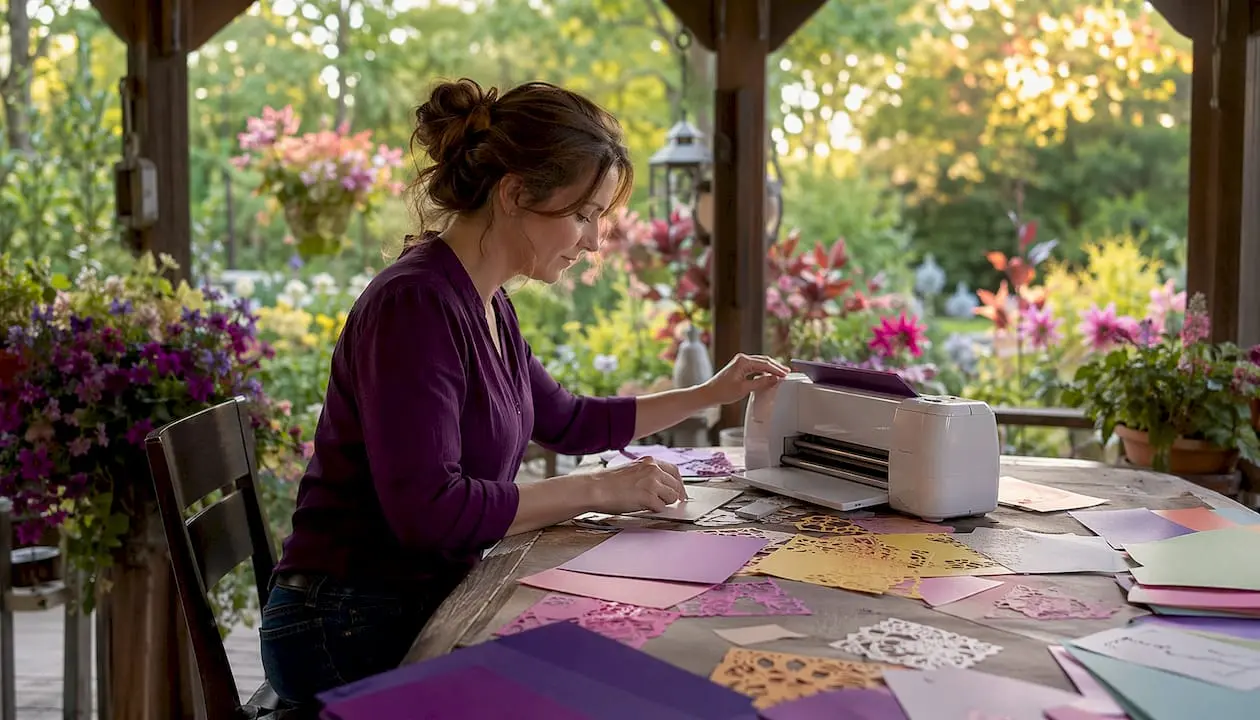
Digital cutting machines have changed card making more than any other single tool in the past decade. They cut, score, and engrave directly from digital files, with no physical dies required, no manual alignment, and no guesswork about whether the blade will follow the line. For card makers, the practical payoff is immediate: cleaner cuts, faster turnaround, and the freedom to try a new design without ordering anything new.
The core advantages at a glance:
- Precision: Computer-controlled blades follow digital paths consistently, cut after cut
- Speed: Production cycles for small custom batches shrink from days to hours
- Design flexibility: Change a shape, resize a motif, or add a personalised name directly in software
- Reduced waste: Nesting software packs shapes tightly on the sheet, cutting scrap significantly
- No physical dies: Designs live as digital files, so storage and tooling costs disappear
- Customisation on demand: One-off cards and bespoke invitations are as straightforward as batch runs
- Compatibility with complex designs: Intricate lattices, pop-up mechanisms, and layered panels that would be impractical to cut by hand become routine
What is a digital cutting machine and how does it work?
A digital cutting machine is a computer-controlled device that cuts, scores, or engraves materials by following a path generated from a digital design file. Load an SVG or similar vector file into the machine’s software, set the material type, and the machine does the rest automatically.
The workflow runs in three steps. First, you create or download a design and prepare the cut paths in software such as Cricut Design Space or Silhouette Studio. Second, the software sends those paths to the machine, which positions its blade or tool head with precision. Third, the machine executes the cut, repeating it identically every time.
Key terms worth knowing:
- SVG (Scalable Vector Graphic): The standard file format for cut paths; scales without losing quality
- Cut path: The line the blade follows, distinct from a printed image
- Scoring: A shallow pass that creases the material for folding rather than cutting through it
- Registration marks: Printed targets the machine’s optical sensor reads to align cuts perfectly on pre-printed sheets
- Nesting: Software-driven arrangement of shapes to minimise wasted material
| Feature | Traditional die cutting | Digital cutting |
|---|---|---|
| Design changes | New physical die required | Update the file instantly |
| Accuracy | Operator-dependent | Consistent, repeatable |
| Setup time | Significant | Minimal |
| Material waste | Higher | Reduced via nesting software |
| Upfront cost | Lower | Higher, offset over time |
| Best for | High-volume, static designs | Custom, short-run, evolving projects |
What materials and projects suit digital cutting best?
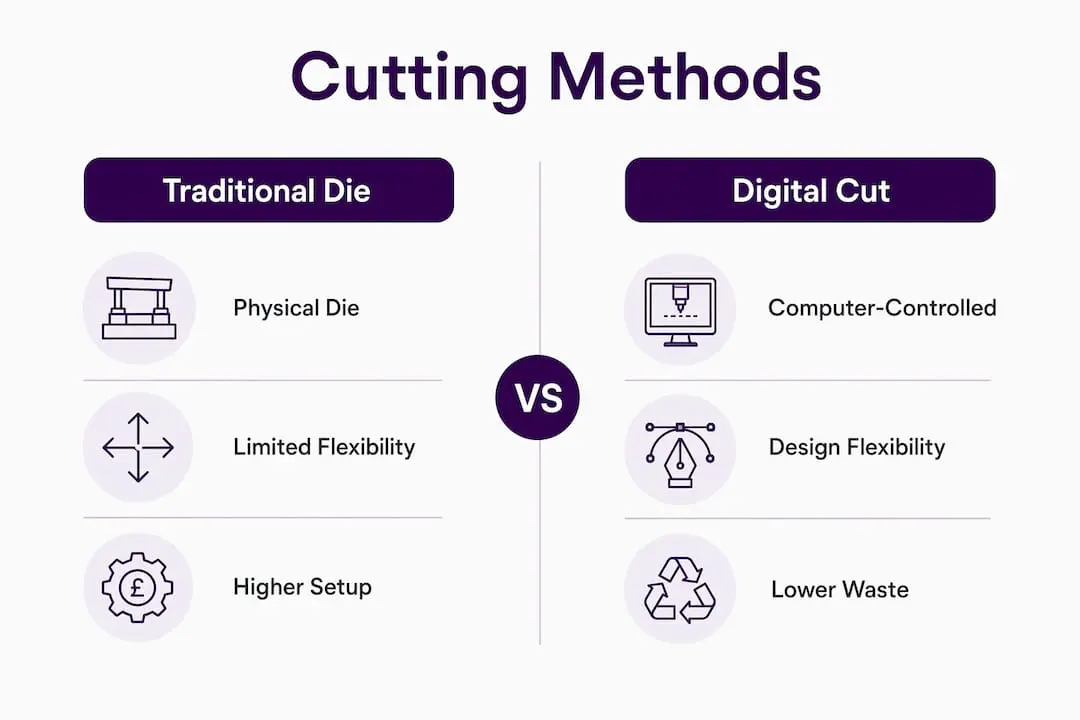
Digital cutting machines handle a wide range of materials, which is one reason they have become the go-to tool for card makers who work across different project types.
Compatible materials:
- Cardstock (standard and heavyweight)
- Thin paper and tissue paper
- Vellum and acetate
- Vinyl (adhesive and heat-transfer)
- Fabric and felt
- Foam sheets and chipboard
- Light balsa wood and cork
Project types that benefit most:
- Intricate cards with fine lattice or filigree details
- Layered designs with multiple coloured panels
- Pop-up and 3D structure cards
- Personalised invitations with variable names or dates
- Shaped cards (hearts, stars, silhouettes)
- Gift tags, envelope liners, and coordinating inserts
- Small batch production for craft fairs or online shops
The machine handles both a single bespoke card and a run of fifty identical invitations with equal ease. That flexibility is something digital paper patterns exploit well, giving crafters ready-made cut files they can load and run without any design work at all.
Digital cutting vs traditional die cutting: which is right for you?
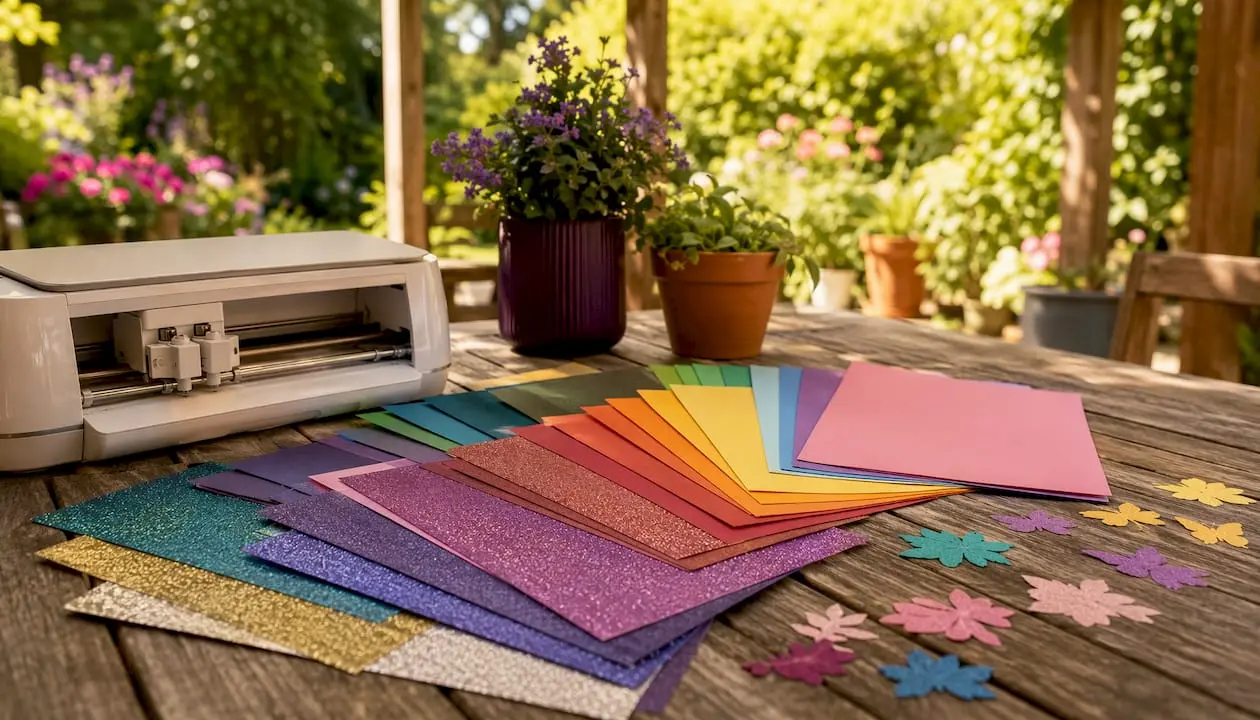
Traditional die cutting uses a physical metal die pressed into material to punch out a shape. It works well when you are cutting the same shape hundreds of times and the die cost spreads across a large run. The limitation is that every new shape needs a new die, and those dies need purchasing, storing, and maintaining.
Digital cutting removes that dependency entirely. No physical dies are needed, so you can switch designs between cuts without any additional cost or delay. A crafter who wants to make a birthday card on Monday and a wedding card on Tuesday simply loads a different file.
Digital cutting advantages:
- Instant design changes with no tooling cost
- Lower long-term operational costs once the machine is paid for
- Handles complex curves and fine detail that dies struggle to replicate
- Optical sensors align cuts precisely on pre-printed sheets
- Reduced material waste through intelligent nesting
Traditional die cutting advantages:
- Lower upfront investment
- Fast and reliable for very high volumes of a single shape
- No software learning curve
Pro Tip: If you regularly cut the same simple shape in very large quantities, a physical die may still be faster and cheaper per unit. Digital cutting earns its keep the moment designs start varying or volumes stay modest.
The long-term cost picture favours digital cutting once you account for die storage, replacement, and the material lost to manual alignment errors. For most hobby card makers and small-scale crafters, the break-even point arrives sooner than expected.
Popular digital cutting machines used by UK card makers
Three machines dominate conversations in the UK crafting community, each with a distinct place in the market.
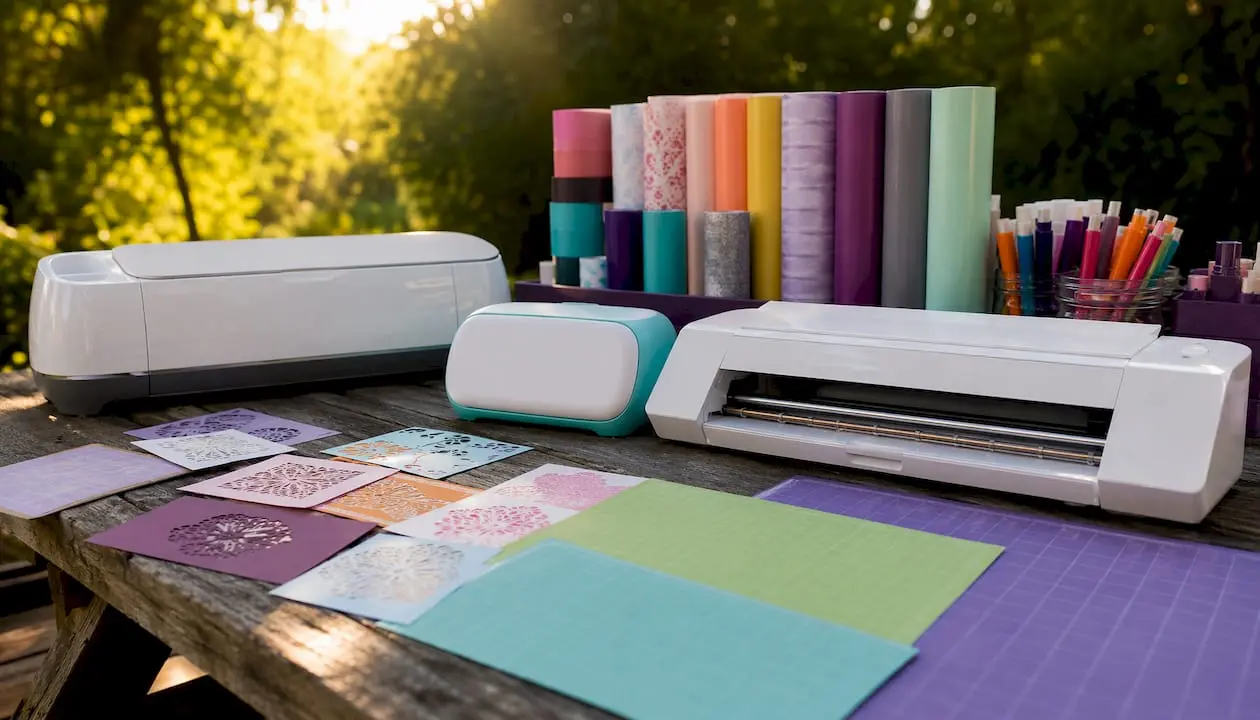
Cricut Maker 3
The Maker 3 is the most capable machine in the Cricut range for card makers who want to work with a broad range of materials. It uses an adaptive tool system, meaning you can swap between a fine-point blade, a scoring wheel, a foil transfer tool, and other attachments without changing the machine. The cutting area is generous, and it connects via Bluetooth or USB to Cricut Design Space, which runs on both desktop and mobile. It suits crafters who want professional-level results and plan to work with materials beyond standard cardstock.
Cricut Joy
The Joy is compact enough to sit on a small desk and light enough to carry to a craft class. It cuts cardstock, vinyl, and iron-on materials, and its strength is speed for small, simple projects. Card makers who primarily produce standard-sized cards and want a machine that is quick to set up and easy to store find the Joy a practical choice. It does not handle the full range of materials the Maker 3 does, but for everyday card making, it rarely needs to.
Silhouette Cameo 4
The Cameo 4 uses Silhouette Studio software, which gives crafters more direct control over cut paths than some competing platforms. It cuts up to 3mm thick materials and includes a built-in roll feeder for longer projects. The machine appeals to crafters who prefer working with their own designs rather than a curated library, since Silhouette Studio accepts SVG files from any source without a subscription requirement for basic use. Its dual carriage holds two tools simultaneously, so you can cut and score in a single pass.
You can explore die cut shapes in card making to understand how these machines translate digital files into finished card elements.
What experts and the UK crafting community say
The shift happening in card making mirrors a broader change in how production is understood. Manufacturing experts describe a move from tool-centric to design-centric working, where creative limits are set by what you can draw rather than what physical tooling you own. For card makers, that means intricate multi-dimensional structures and personalised designs are no longer the preserve of professional print shops.
On-demand production and digital file integration in card making significantly reduce resource waste compared to traditional methods, while transforming small-batch project timelines from days to hours.
The waste reduction point matters practically. Nesting algorithms arrange shapes automatically to use as much of each sheet as possible, which adds up quickly when you are working with quality cardstock. Manual cutting cannot replicate that efficiency because human layout decisions leave gaps that software eliminates.
Community feedback from UK crafters consistently highlights two things: the time saved on repetitive cuts, and the confidence that comes from knowing every piece will match. When you are assembling a layered card with six separate elements, having each one cut to exactly the right size removes a source of frustration that hand cutting never fully resolves. Craftsuprint’s tutorials and design library support this workflow directly, giving crafters ready-to-use files that pair with their machines from the first session.
Digital paper crafts guidance from Craftsuprint covers the practical steps from file download to finished cut, which is particularly useful for crafters making the transition from purely manual methods.
Ready to pair your machine with the right designs?
Craftsuprint’s library of craft downloads includes card templates, shaped designs, and layered kits built for use with digital cutting machines. Whether you own a Cricut, a Silhouette, or another cutter, the files are formatted to load straight into your machine’s software. Browse the full range and find designs that match your next project.
Key takeaways
Digital cutting machines give card makers precision, flexibility, and speed that manual methods cannot match, making them the practical choice for anyone working with custom or varied designs.
| Point | Details |
|---|---|
| Production speed | Small-batch custom projects shrink from days to hours with digital cutting workflows. |
| Waste reduction | Nesting software minimises scrap; on-demand production cuts resource waste significantly. |
| No physical dies needed | Designs are stored as digital files, eliminating tooling costs and storage requirements. |
| Precision cutting | Optical sensors align cuts on pre-printed sheets, delivering consistent results every time. |
| Best machine choice | Cricut Maker 3, Cricut Joy, and Silhouette Cameo 4 are the leading options for UK card makers. |
FAQ
Which cutting machine is best for card making?
The Cricut Maker 3 suits card makers who want the widest material range and professional precision, while the Cricut Joy is the better pick for compact, everyday card projects. The Silhouette Cameo 4 appeals to crafters who prefer working with their own SVG files and want dual-tool cutting in a single pass.
What should I know before buying a Cricut?
Cricut Design Space requires an account, and some premium designs carry a subscription or one-off fee, though you can upload your own SVG files for free. Factor in the cost of a cutting mat, replacement blades, and the materials you plan to use regularly before budgeting.
How does a digital cutting machine know where to cut?
The machine reads a vector cut path from your design file and follows it using a computer-controlled blade or tool head. On pre-printed sheets, optical registration sensors scan printed marks on the sheet to align the cut precisely with the design.
What is the difference between a Cricut and a traditional die cutter like Sizzix?
A Cricut cuts from digital files with no physical die required, so you can change designs instantly and store everything on a computer. A Sizzix uses physical metal dies that must be purchased separately for each shape, making it more cost-effective for high-volume runs of a single design but less flexible for varied or custom work.