
Unlock creativity with printable design bundles for crafters
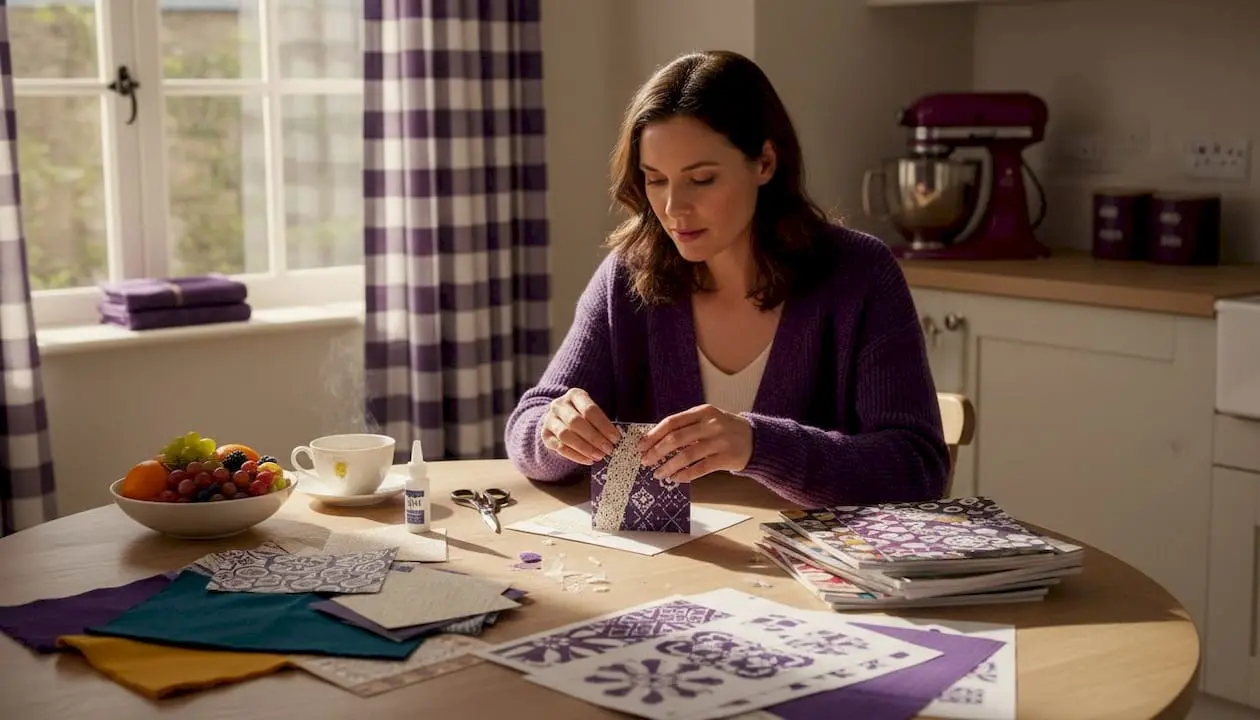
Printable design bundles are nothing like the flat clipart packs of the early internet era. Today, they are carefully curated, professionally produced collections that hand you everything needed to create stunning handmade cards, paper gifts, and decorative pieces right from your home printer. Many crafters are genuinely surprised to discover how far these bundles have come: matching backgrounds, die-cut elements, layered templates, and commercial licences, all packaged together for a single download. If you have been limiting yourself to single images or basic templates, this guide will show you exactly what you have been missing and how to use bundles to take your crafting to the next level.
Table of Contents
- What is a printable design bundle?
- How printable design bundles elevate card making and crafts
- How to choose the best printable design bundles
- Using printable design bundles in real-world craft projects
- The real secret behind printable design bundles: flexibility and innovation
- Enhance your next project with curated design bundles
- Frequently asked questions
Key Takeaways
| Point | Details |
|---|---|
| Versatile resources | Printable design bundles provide themed graphics and templates for any craft project. |
| Easy professional results | Bundles help hobbyists make professional-grade cards and crafts at home. |
| Formats for every need | High-quality bundles come in PDF, JPG, and PNG, compatible with most crafting equipment. |
| Buy smart | Look for bundles with commercial licences and lifetime access to get the best long-term value. |
| Endless creativity | You can mix, match, and reuse bundle pieces for unique projects again and again. |
What is a printable design bundle?
A printable design bundle is a digital collection of coordinated graphic assets created specifically for paper crafts, card making, and similar hobby projects. Rather than offering one standalone image, a bundle groups together backgrounds, toppers, embellishments, borders, sentiment tags, and ready-to-print templates that all share a consistent theme, colour palette, and style. Think of it as receiving an entire craft kit in digital form.
Most bundles arrive in several file formats, each serving a slightly different purpose. PDF files are the most accessible: they open in free software, preserve precise print sizing, and are ideal for ready-to-print cards and pages. JPG files are flat, high-resolution images perfect for digital scrapbooking backgrounds or printing full-page papers. PNG files carry a transparent background, which makes them ideal for layering elements and for print-then-cut compatibility with machines like Cricut and Silhouette. High-quality bundles offer commercial licences, multiple formats, and print-then-cut compatibility, giving crafters maximum versatility.
Here is a quick overview of the three common formats and how they fit into your workflow:
| File format | Best use | Common software | Print quality |
|---|---|---|---|
| Ready-to-print cards, templates | Adobe Acrobat, free PDF readers | Excellent, fixed sizing | |
| JPG | Backgrounds, full-page papers | Any image viewer or editor | High, no transparency |
| PNG | Layered elements, die-cuts | Photoshop, Canva, Cricut Design Space | Excellent, transparent background |
Beyond file formats, a well-rounded bundle typically includes layered SVG files for advanced users, themed sets spanning a holiday or occasion, and ready-to-assemble card kits complete with topper sheets and inserts. This is what sets a bundle apart from ordinary clipart or a single purchased image. A single image gives you one element; a bundle gives you an entire coordinated creative system. You can explore a wide range of design bundle tutorials to see exactly how experienced crafters combine these elements into finished projects.
- Coordinated backgrounds in multiple colour variations
- Die-cut toppers with matching sizes and themes
- Sentiment tags and greeting text panels
- Border strips and corner embellishments
- Layered SVG or PNG elements for cutting machines
This level of coordination is why bundles feel so different from piecing together random graphics. Everything works together from the moment you open the download.
How printable design bundles elevate card making and crafts
One of the most consistent frustrations for hobby crafters is achieving that polished, professional look that makes a handmade card feel truly special rather than obviously homemade. Printable design bundles solve this problem elegantly. Because all the elements within a bundle share a designer’s vision, the colours, proportions, and motifs already harmonise. You are not trying to match a background you found on one website with a topper you found on another.
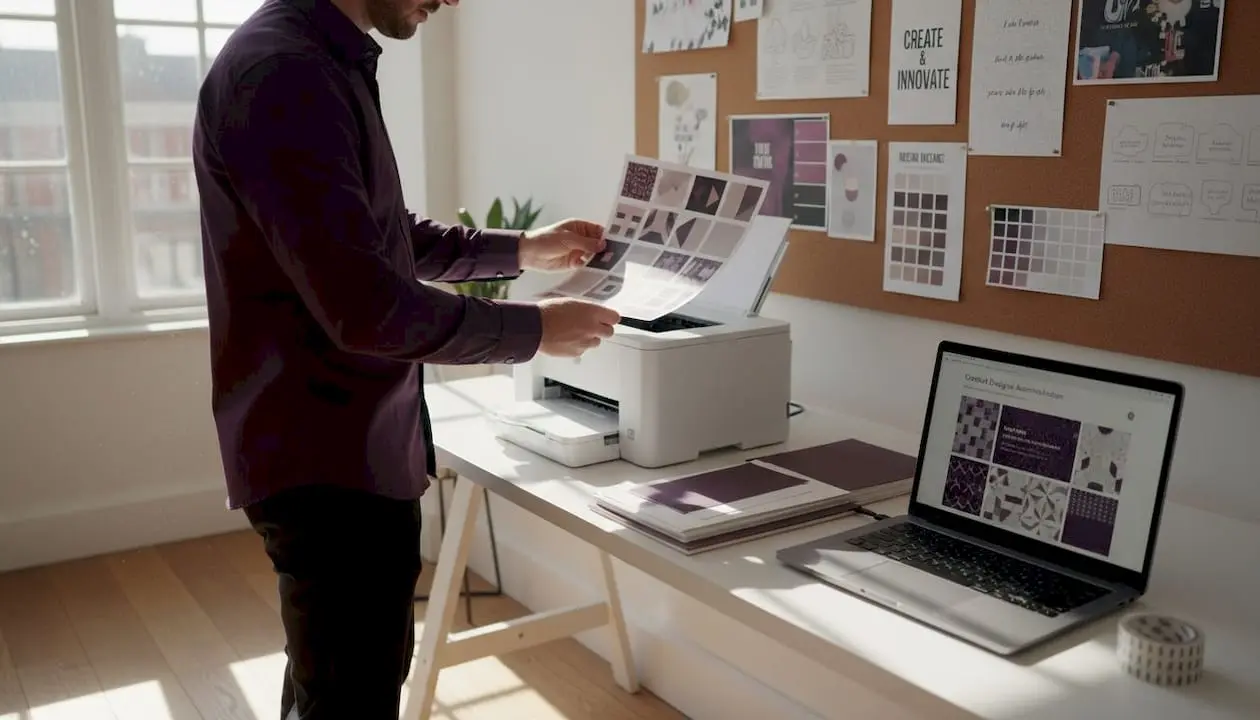
Consider the difference between purchasing individual embellishments from a craft shop versus downloading a themed bundle:
| Factor | Store-bought embellishments | Printable bundle elements |
|---|---|---|
| Cost per project | £2.50 to £6+ per pack | Pence per use (reusable files) |
| Colour matching | Hit and miss | Perfectly co-ordinated by designer |
| Customisation | Fixed designs | Resizable, recolourable with software |
| Availability | Seasonal, limited stock | Available 24 hours a day, year-round |
| Storage space | Physical shelf space needed | Lives on your hard drive |
The savings genuinely add up. A crafter making twenty cards for a Christmas market could spend far less on a single seasonal bundle than on buying individual paper packs, toppers, and embellishments separately.
Once you download a bundle, you have it forever. Print one sheet today, and revisit the same files next Christmas, next birthday season, or whenever inspiration strikes. There is no expiry date on good design.
Creating a finished card from a bundle follows a logical, satisfying workflow:
- Download and extract your bundle files into a clearly labelled folder on your computer.
- Open and review the PDF or JPG backgrounds and identify which sheet you want to use as your card base.
- Print your chosen elements at the correct size on good quality card stock or photo paper.
- Cut out toppers and embellishments, either by hand with scissors or using a die-cutter.
- Layer and assemble your card, using foam pads to raise toppers for a three-dimensional effect.
- Add a sentiment tag from the bundle’s included text panels.
Pro Tip: If you have a Cricut or Silhouette machine, use the PNG files and enable the print-then-cut feature. The machine reads a registration mark printed on your sheet and cuts each element with precision that is almost impossible to match by hand. This is especially useful for intricate shaped toppers and delicate borders.
For those thinking beyond personal use, bundles enable professional output and commercial sales when licences and formats are suitable. If your chosen bundle carries a commercial licence, you can legally sell the finished cards at craft fairs, local markets, or online. Many small-scale sellers have built successful side incomes this way. Resources on selling finished crafts can offer broader context on pricing, packaging, and reaching customers effectively. Explore card making downloads to find bundles that explicitly state their commercial licence terms.
How to choose the best printable design bundles
Not every bundle on the market is worth your time or money. Knowing what to look for will save you from disappointment and help your crafting budget go further. The following checklist covers the essential qualities every good bundle should offer.
Essential qualities to look for:
- Commercial licence included: Clearly stated terms permitting the sale of finished crafts.
- Multiple file formats: At minimum, PDF and PNG; ideally JPG and SVG as well.
- High resolution: Files should be at least 300 DPI (dots per inch) for crisp print quality.
- Positive user reviews: Real feedback from other crafters confirms the files print as expected.
- Comprehensive theme coverage: Enough variety within the bundle to create multiple different cards.
- Designer or platform reputation: Buy from established marketplaces with clear policies.
- Clear printing instructions: Good bundles include guidance on paper weight, sizing, and software.
Look for lifetime access and multiple format options for future flexibility. This is particularly important because software evolves, and having your files in several formats means they will remain usable regardless of which tools you upgrade to over the coming years.
Pro Tip: Always confirm PNG files are included before purchasing a bundle intended for Cricut or Silhouette print-then-cut projects. PDF files alone will not trigger the registration mark feature that makes precision cutting possible. A bundle listing “print-then-cut compatible” should explicitly offer PNGs or SVGs.
Resolution matters enormously in practice. A 72 DPI image designed for screens will look fuzzy and pixelated when printed. A 300 DPI file, by contrast, will reproduce sharp edges, subtle colour gradients, and fine detail on paper. When browsing, look for product descriptions that specify “300 DPI” or “print-ready resolution.”
Pricing can be deceptive too. A very cheap bundle with ten low-quality elements is worse value than a slightly pricier bundle offering sixty co-ordinated, high-resolution pieces across three seasonal themes. Calculate value per usable element rather than simply comparing headline prices. For crafters building a creative brand or small business, guidance on branding for creators can help you think strategically about which bundle themes support your signature style. You might also find it useful to look out for seasonal craft supply deals when budgeting for your physical print and assembly materials. Browse our selection of high-quality design bundles with reader reviews and clear licence information included.
Using printable design bundles in real-world craft projects
Selection is just the beginning. The real joy is in bringing your chosen bundle to life across a wide variety of projects. The workflow is simpler than many newcomers expect, and with a few sessions of practice it becomes second nature.
Creating a custom greeting card: step-by-step
- Open your bundle folder and select a background sheet that matches your card’s occasion and colour scheme.
- Print the background sheet onto 300 gsm card stock using your printer’s “best quality” or “photo” setting.
- Score and fold the card to your preferred size, typically A5 folded to A6 or a square format for contemporary styling.
- Print your topper sheet and sentiment tags onto standard 160 gsm white card.
- Cut out the topper and any decorative elements, either freehand or using a die-cutting machine.
- Layer the topper onto the card front using 3D foam pads for a raised, dimensional effect.
- Attach the sentiment tag with a small brad, ribbon, or adhesive, depending on your bundle’s theme.
- Add any final embellishments such as printed banner strips or coordinating border panels from the bundle.
PNG elements are ideal for use with print-then-cut machines, expanding project possibilities well beyond basic greeting cards. Once you are comfortable with the card-making process, bundles open up a surprisingly wide creative territory.
Other projects you can create with the same bundle files:
- Gift tags and luggage labels printed two-up on a single sheet
- Mini scrapbook albums using background sheets as album pages
- Decorative box and bag wrapping using full-page background papers
- Home décor inserts framed under glass for seasonal displays
- Junk journal pages mixing bundle backgrounds with ephemera
- Party decorations including bunting banners, place cards, and favour bag toppers
Pro Tip: Create a dedicated folder system on your computer organised by theme, season, and occasion. Label subfolders clearly (for example: “Christmas 2026 / Backgrounds”, “Birthday / Toppers”, “Floral / Sentiments”). This makes it effortless to locate the right file months after you first downloaded a bundle, saving real time when you are working against a deadline.
Mixing and matching elements across different bundles from the same designer often yields surprisingly original results. A snowflake border from a winter bundle can complement a blue floral background from a different collection if the colours harmonise. Experiment freely because digital files cost nothing to test, and misprints can be recycled as practice paper. Find ongoing project inspiration to see what fellow crafters are creating with themed bundles. For those considering lifetime access for retailers, digital bundles offer a stock-free, storage-free alternative to physical craft supplies.
The real secret behind printable design bundles: flexibility and innovation
Here is something the standard “beginner’s guide” approach tends to miss: printable design bundles are not just a shortcut for people who cannot design from scratch. They are a creative medium in their own right, and some of the most visually impressive handmade crafts in exhibition halls and online galleries began with a professionally designed digital bundle.
The misconception is that using a pre-made bundle means your work lacks originality. In reality, the bundle is more like a painter’s pigment. The artist does not grind their own pigment and call that the art. The art is what you do with the materials available to you. Skilled crafters use bundle elements as a starting point and then layer in personal touches: hand-stitching, mixed media additions, stamped sentiments, and watercolour washes over printed backgrounds. The result is something entirely unique that would have taken far longer to produce without the bundle’s foundational elements.
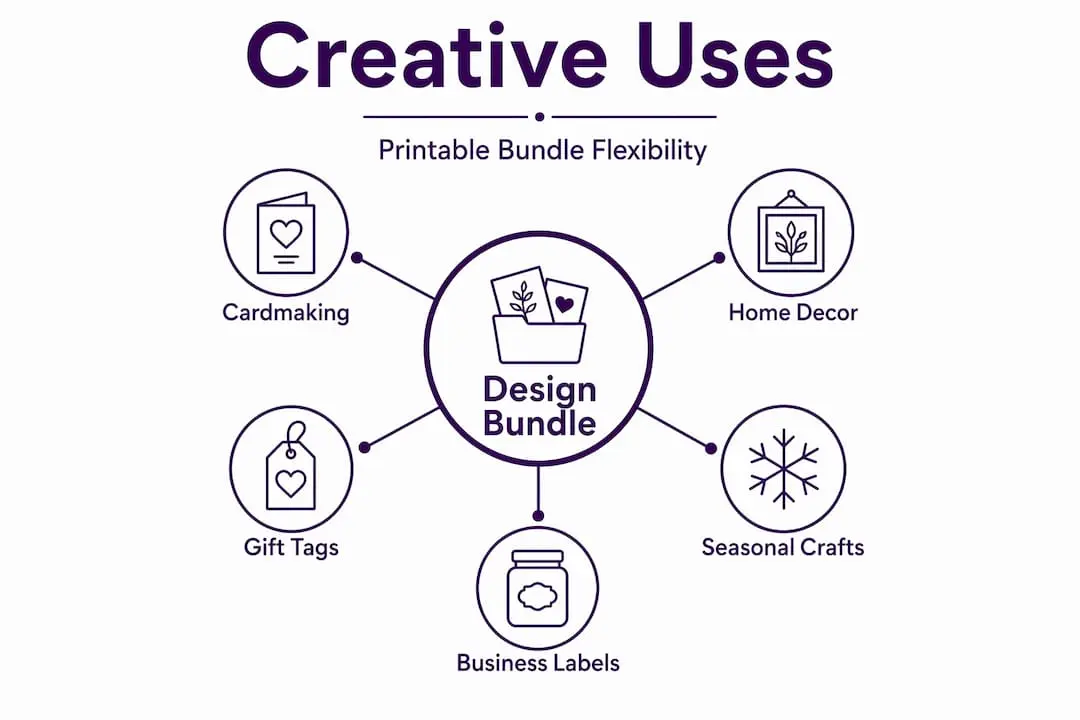
The growing trend of seasonal adaptation is particularly exciting. A summer floral bundle can be reimagined for an autumn display simply by printing on tinted card or layering amber-toned vellum over the original design. A Christmas bundle’s snowflake die-cuts become perfect winter birthday decorations with a colour swap in a simple editing program. This kind of creative reuse means a single quality bundle can serve you across multiple occasions throughout the year, multiplying its value considerably.
There is also a sustainability angle worth noting. Using digital files means you print exactly what you need, when you need it. There is no overstock of physical embellishments quietly ageing on a shelf, no wasted materials from impulse purchases. Crafters who have switched from predominantly physical supply shopping to digital bundle downloads frequently comment on how much cleaner and calmer their craft space becomes. The stash still exists, but it lives neatly on a hard drive rather than in overflowing storage boxes.
The most forward-thinking crafters we see in online communities are the ones who treat bundles as a collaborative creative tool, combining multiple designers’ work into personal collections and building a distinctive visual signature across everything they make.
Enhance your next project with curated design bundles
If this guide has sparked any excitement, the natural next step is to put it into practice with a bundle designed specifically for hobby crafters like you.
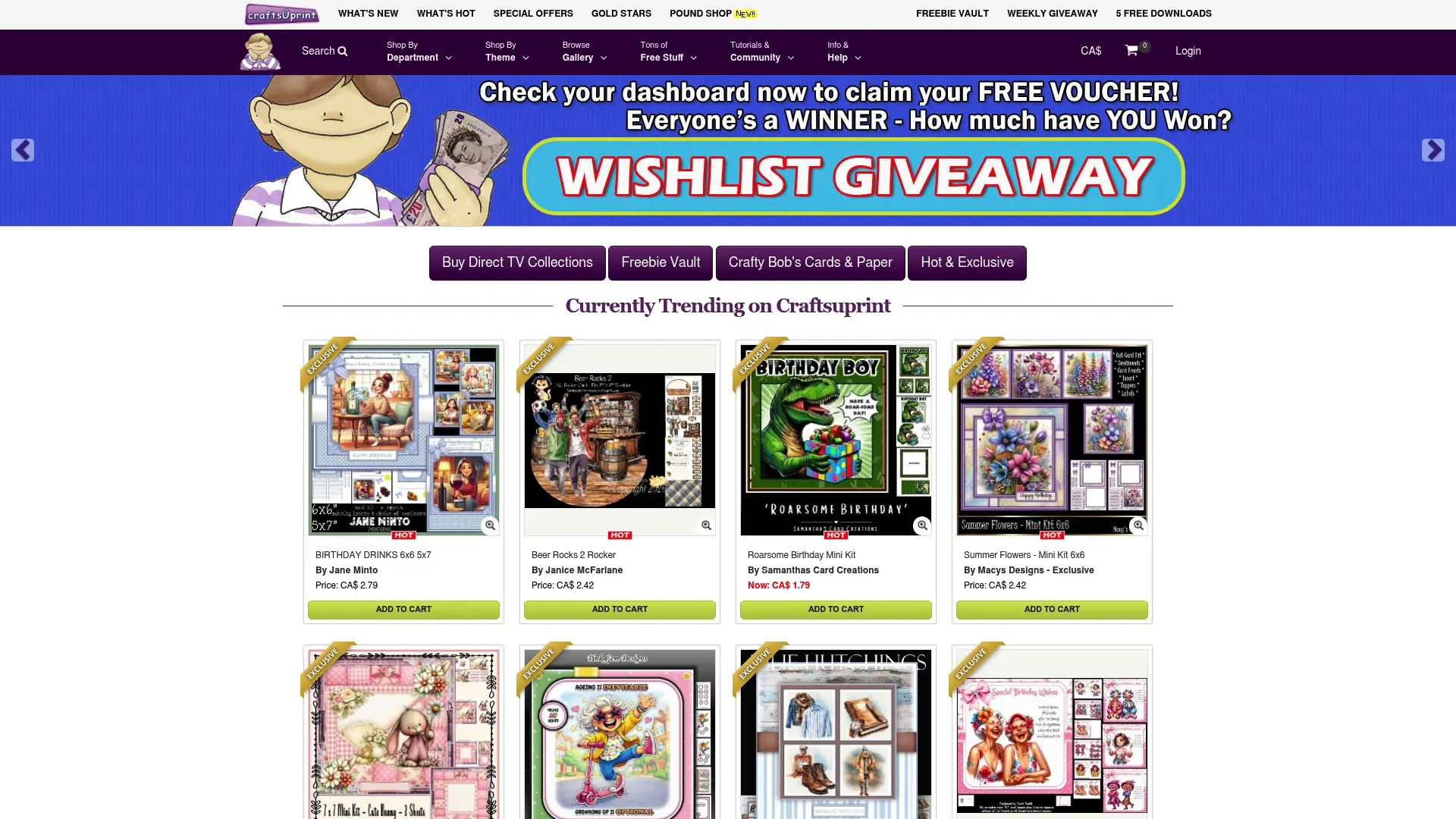
At Craftsuprint, every bundle in the catalogue is created by independent designers who understand what card makers and paper crafters actually need: co-ordinated themes, clear file labelling, and reliable print quality. You will find seasonal collections, occasion-specific kits, and everyday designs refreshed regularly with new releases. User reviews on each listing help you make confident choices, and many bundles include beginner-friendly instructions alongside their files. Browse the full range of curated bundles for card makers today, download your first bundle, and discover just how quickly a professional-looking project comes together when you have the right digital toolkit in your hands.
Frequently asked questions
Can I sell cards or crafts made from printable design bundles?
Yes, if the bundle includes a commercial licence, you can sell finished products like cards at craft fairs or online shops. Always check the licence terms before listing finished items for sale, as commercial licences for selling finished crafts are not included in every bundle.
Do I need special software to use a printable design bundle?
Most bundles include PDF, JPG, or PNG files that work with standard printers and free software. As multiple formats such as PDF and JPG are standard, you rarely need anything beyond a basic image viewer or free PDF reader to get started.
What is print-then-cut, and why does PNG matter?
Print-then-cut means you print a design and then use a cutting machine to trim it precisely along its edges. PNG files enable this feature by providing a transparent background that Cricut and Silhouette machines can read and cut around accurately.
Can I use printable design bundles more than once?
Yes, bundles with lifetime access let you print and craft from the same files as many times as you like, making them excellent value for regular crafters who revisit seasonal themes year after year.