
Types of craft downloads: a hobby crafter's guide

TL;DR:
- Craft downloads are digital files used for creative projects, including printing, cutting, and 3D modelling. They arrive instantly, and choosing the correct format for your tool prevents waste and frustration. Proper organisation of files by format and machine type enhances workflow and project efficiency.
Craft downloads are digital files you purchase or receive online, then use directly in your creative projects through printing, cutting, or 3D modelling. The most common types of craft downloads include printable PDFs and PNGs, cutting machine files such as SVG and DXF, and 3D model formats like STL. Each format exists for a specific crafting method, and choosing the wrong one wastes time and materials. Whether you are printing planners on your home printer, cutting vinyl decals with a Cricut, or producing miniatures on a 3D printer, the file type you download determines what is possible.
1. what are craft downloads and how do they work?
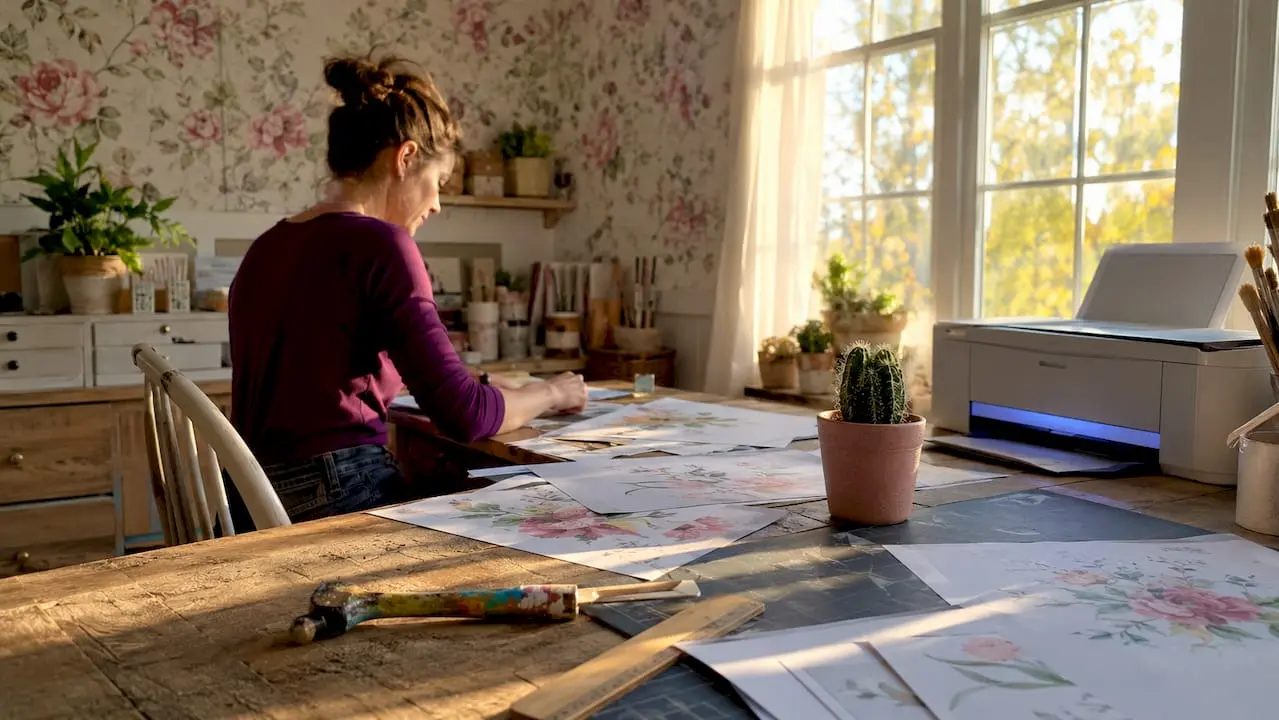
Craft downloads are digital files for creative use, delivered instantly after purchase or sign-up, ready to open in compatible software or send directly to a machine. They replace the need for physical pattern books, stencil packs, or design discs. You download the file, open it in the correct programme, and either print, cut, or model your project.
The key to understanding how craft downloads work is matching the file format to your tool. A PDF opens in Adobe Acrobat or your browser and prints cleanly. An SVG file loads into Cricut Design Space or Silhouette Studio for precision cutting. An STL file feeds into slicing software like Ultimaker Cura before going to a 3D printer. Each format is purpose-built, not interchangeable.
Most craft downloads arrive as a single file or inside a ZIP archive. ZIP packaging keeps multiple formats together in one tidy download. You extract the archive first, then select the file that matches your machine or software. Skipping the extraction step is the most common beginner mistake, and it stops the file from opening correctly every time.
2. printable craft downloads: pdfs and pngs
Printable craft downloads are the most widely used category for home crafters. PDF files preserve formatting across every device, from a desktop monitor to a mobile phone, so your planner pages, colouring sheets, or card templates print exactly as designed. PNG files carry transparent backgrounds, making them ideal for sublimation printing and layered paper projects where a white background would ruin the design.
Common printable projects include:
- Planners and organisers delivered as multi-page PDFs
- Colouring pages for adults and children, typically PDF or PNG
- Wall art prints in high-resolution PNG or PDF format
- Greeting card templates designed for home printing on card stock
- Craft instruction sheets and pattern guides in PDF
JPG files also appear in printable downloads, though they suit simpler graphics where a white background is acceptable. JPG compresses image data, which can reduce sharpness at large print sizes. For anything requiring fine detail or a transparent layer, PNG is the stronger choice.
Pro Tip: Always download both the PDF and PNG versions when a seller offers both. Use the PDF for printing instructions or multi-page layouts, and the PNG when you need a transparent background for sublimation or layered paper crafts.
The advantages of printable craft downloads are significant for hobby crafters. You get instant access, no postage costs, and the ability to reprint if a project goes wrong. Platforms like Craftsuprint specialise in ready-to-print designs, meaning the formatting and resolution are already optimised for home printers.
3. cutting machine files: SVG and DXF formats
Cutting machine files are the second major category of craft downloads, and they require a different approach entirely. SVG is the standard format for Cricut, while DXF is widely accepted by Silhouette machines and CNC or laser cutting equipment. Both are vector formats, meaning the design is defined by mathematical paths rather than pixels. That distinction matters because vector files allow precise outline tracing, which is what gives cutting machines their accuracy.
Here is a quick comparison of the two main cutting file formats:
| Format | Best For | Compatible Software |
|---|---|---|
| SVG | Cricut, vinyl cutting, layered designs | Cricut Design Space, Inkscape, Adobe Illustrator |
| DXF | Silhouette, CNC machines, laser cutters | Silhouette Studio, AutoCAD, LightBurn |
| PNG | Print-then-cut projects | Cricut Design Space, Silhouette Studio |
| Reference guides, print-only use | Adobe Acrobat, browser |
Common projects that rely on cutting files include:
- Vinyl decals for mugs, windows, and vehicle graphics
- Layered paper crafts using multiple SVG layers in different colours
- Iron-on transfers for T-shirts and tote bags
- Card-making die-cut shapes for handmade greetings cards
- Stencils for painting on wood, fabric, or walls
Many cutting file downloads arrive as ZIP archives containing both SVG and DXF versions, plus a PNG for reference. Downloading all available formats together lets you quickly match the right file to your machine without returning to the seller’s page. Extract the ZIP immediately after downloading and place each format in its own clearly labelled folder.
Pro Tip: If you own a Silhouette Cameo 4 or later, test the SVG file first in Silhouette Studio’s newer editions before defaulting to DXF. Newer Silhouette software handles SVG well, and SVG files often carry more design detail than their DXF equivalents.
Cricut Design Space requires SVG for vector imports. Silhouette Studio’s free edition may need DXF depending on the software version. Correct file selection depends on your software edition, so check your machine’s documentation before purchasing a cutting file pack.
4. downloadable 3d craft designs and their formats
3D craft downloads are digital model files you send to a 3D printer or CNC machine to produce physical objects. The most common 3D formats are STL, 3MF, and OBJ, each with slightly different strengths. STL is the most universal and works with virtually every consumer 3D printer on the market. 3MF is a newer format that stores colour and material data alongside geometry, making it useful for multi-material prints. OBJ supports complex surface textures and is common in design software like Blender.
Typical 3D craft download projects include:
- Miniatures and figurines for tabletop gaming or display
- Functional workshop accessories such as storage clips, hooks, and jigs
- Decorative home items including vases, frames, and seasonal ornaments
- Jewellery components like pendants and earring blanks
- Cosplay props and costume pieces
The basic 3D printing workflow runs from download to slicer software to printer. You open the STL or 3MF file in a programme like Ultimaker Cura or PrusaSlicer, set your print parameters, and export the resulting file to your printer. The slicer converts the 3D model into layer-by-layer instructions the printer follows.
DXF files also appear in this space as a connecting format between 2D and 3D crafting. Laser cutters and CNC routers use DXF to cut flat shapes that can be assembled into 3D structures. A flat-pack wooden box, for example, might be distributed as a DXF file for laser cutting rather than an STL for 3D printing. Understanding which physical process your project requires tells you which format to seek out.
5. how to organise craft downloads for efficient projects
File organisation is the difference between a smooth crafting session and twenty minutes of frustrated searching. Professional craft file organisation involves immediate ZIP extraction, consistent naming conventions, and storing original downloads separately to prevent errors like printing an outdated version or uploading the wrong file to your cutting machine.
A practical organisation system works in five steps:
- Extract ZIPs immediately. Never leave files compressed inside a ZIP archive. Open the archive as soon as the download completes and move the contents to the correct folder.
- Create a folder structure by machine or project type. Separate folders for Cricut SVGs, Silhouette DXFs, printable PDFs, and 3D STL files prevent format confusion.
- Name files descriptively. A file named “christmas-star-svg-cricut” is far easier to locate than “download-final-v2.”
- Keep an “Original ZIPs” folder. Store every unextracted ZIP in one backup location. If a file becomes corrupted or you need a fresh copy, the original is always available.
- Archive completed projects. Move finished project files to a separate “Completed” folder so your active workspace stays clear.
Organising digital craft files with staged folders and consistent naming prevents using wrong or outdated files, which is a common cause of wasted materials. Embroidery downloads illustrate this well. A single ZIP might contain .PES, .DST, and .JEF versions of the same design for different embroidery machines. Without clear folder organisation, selecting the wrong format for your machine is easy.
Pro Tip: Create a “To Sort” folder on your desktop as a temporary landing zone for all new downloads. Set aside five minutes at the end of each crafting session to move files into their permanent folders. This habit prevents the accumulation of hundreds of unsorted files.
The role of digital downloads in crafting grows more significant as crafters build larger collections. A well-organised library means you spend time creating rather than hunting for files.
6. decorative vs functional craft downloads: what are the differences?
Decorative craft downloads and functional craft downloads serve distinct purposes, and understanding the difference helps you choose the right product for your project. Decorative downloads are digital assets designed primarily for visual appeal. Functional downloads provide the structure or pattern you follow to make something by hand or machine.
| Feature | Decorative Downloads | Functional Downloads |
|---|---|---|
| Primary purpose | Visual embellishment | Construction or pattern following |
| Common formats | High-resolution PNG, JPG | PDF, SVG, DXF, STL |
| Typical projects | Wall art, stickers, sublimation prints | Sewing patterns, cutting files, 3D models |
| Skill level required | Minimal, often print-and-display | Moderate to advanced, requires tools |
| Best for | Quick decoration, gifting | Hands-on making, personalised output |
Decorative downloads include sublimation PNGs for printing onto mugs and cushions, digital sticker sheets for planners and journals, and printable wall art for framing. The advantages of decorative craft downloads centre on speed and simplicity. You download, print, and the result is ready to use or display with minimal additional work.
Functional downloads, by contrast, are the blueprint for a project. A printable paper craft guide gives you the cutting lines, fold marks, and assembly instructions to build a three-dimensional paper model. An SVG cutting file provides the vector paths your Cricut follows to cut precise shapes from card or vinyl. The download is the starting point, not the finished product.
Both types offer the core advantage of instant delivery. You do not wait for postage, and you can reprint or re-download if something goes wrong. For hobby crafters building a project library, a mix of decorative and functional downloads covers the full range of creative needs.
Key takeaways
The right craft download format is determined by your crafting method: printing, cutting, or 3D modelling, and choosing correctly from the start saves materials, time, and frustration.
| Point | Details |
|---|---|
| Match format to method | Use PDF or PNG for printing, SVG or DXF for cutting machines, STL for 3D printing. |
| Extract ZIPs immediately | Always unzip downloads before use to access the correct files for your software. |
| Organise by machine type | Separate folders for each format and machine prevent costly file mix-ups. |
| Decorative vs functional | Decorative PNGs suit quick embellishments; functional PDFs and SVGs suit hands-on making. |
| Download all available formats | Grabbing SVG, DXF, and PNG together lets you match the right file to your tool without returning to the seller. |
What i have learnt from working with every craft download type
The single biggest mistake I see crafters make is downloading a file and opening it immediately without checking the format. I did this myself when I first started with a Cricut. I downloaded what I thought was a cutting file, opened it in Design Space, and found a flat PDF with no cut paths. Twenty minutes of confusion followed before I realised I had grabbed the wrong file from a multi-format ZIP.
Format confusion is genuinely the most common friction point in crafting with digital downloads. Once I built a folder system separating SVGs, DXFs, PDFs, and STLs by machine type, my projects moved faster and I stopped wasting card stock on test cuts from the wrong file version.
The format I find most underrated is 3MF for 3D printing. Most crafters default to STL because it is familiar, but 3MF files carry material and colour data that STL cannot. If you own a multi-material printer, 3MF files save significant setup time.
My strongest advice is to experiment across all the craft download categories before settling on a favourite. Printable PDFs feel safe and familiar, but SVG cutting files open up a completely different range of projects. The crafters I have seen grow fastest are the ones who tried a format outside their comfort zone and discovered it suited a project they had been struggling to execute by hand.
— Rob
Discover craft downloads and supplies at Craftsuprint
Craftsuprint offers one of the largest collections of ready-to-download craft files available to hobby crafters in the UK, from printable card-making kits to themed paper craft designs.
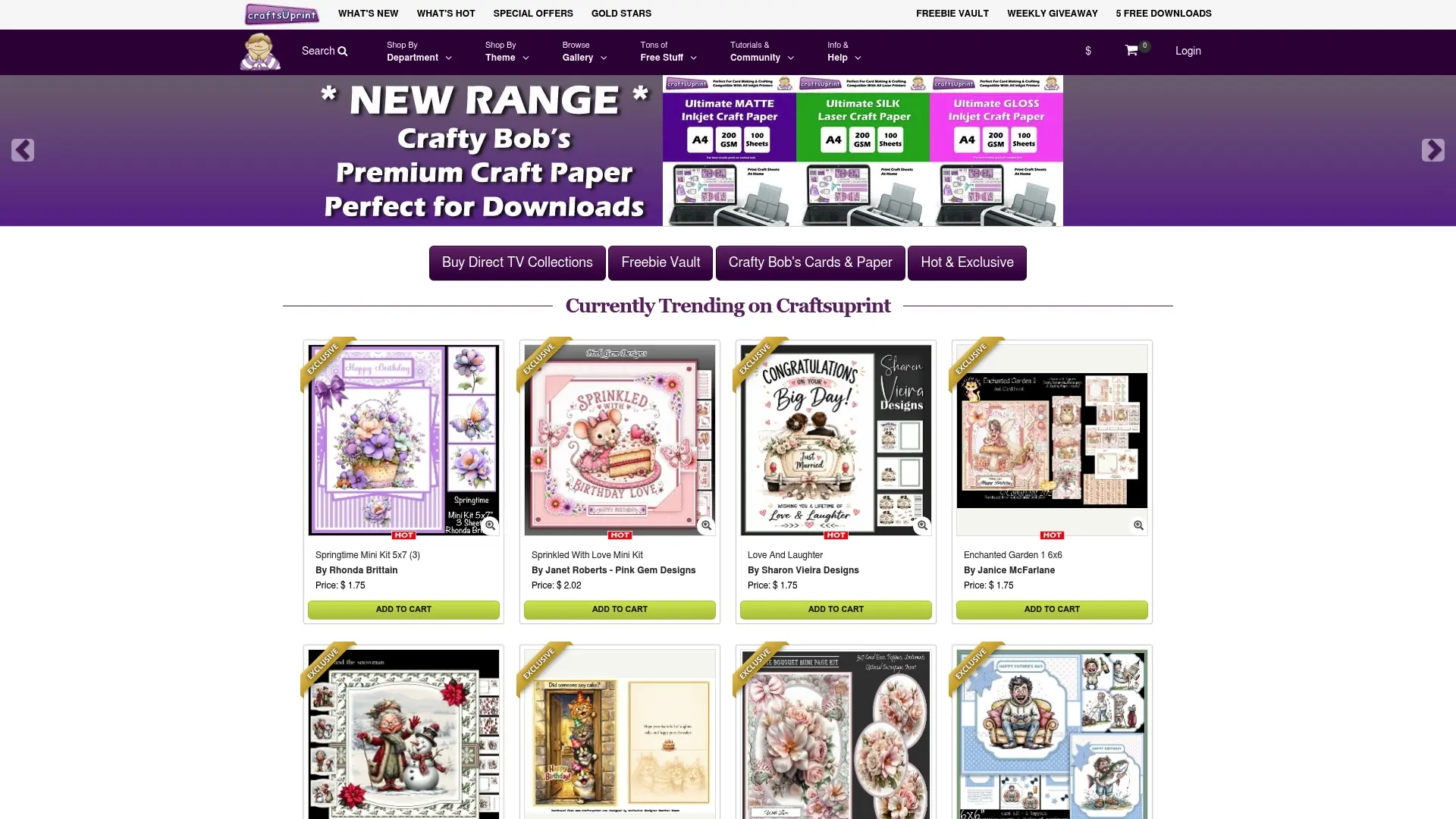
Whether you are looking for craft supplies to complement your printable projects or browsing for your next creative challenge, Craftsuprint has you covered. New members can start with a free craft kit worth £1.20 by Amy Perry, complete with a demo video to guide you through the project. Instant downloads mean you can start crafting within minutes of finding a design you love.
FAQ
What are craft downloads?
Craft downloads are digital files purchased or downloaded online for use in creative projects, including printing, cutting, and 3D modelling. Common formats include PDF, PNG, SVG, DXF, and STL.
Which file format is best for cricut machines?
SVG is the native and preferred format for Cricut Design Space, as it carries vector paths that allow precise cutting. DXF is the standard alternative for Silhouette machines and CNC equipment.
Why do craft downloads come in ZIP files?
ZIP archives package multiple file formats together for convenience and smaller download sizes. You must extract the ZIP before uploading any file to your cutting software or printer.
What is the difference between decorative and printable craft downloads?
Decorative downloads, such as sublimation PNGs and digital stickers, are designed for visual display with minimal additional work. Printable craft downloads, such as PDF patterns and SVG cutting files, provide the structure for hands-on making.
How should i organise my craft download files?
Extract ZIPs immediately after downloading and sort files into folders by format and machine type. Keep a separate “Original ZIPs” folder as a backup to avoid using corrupted or outdated files.