
The role of digital downloads in crafting
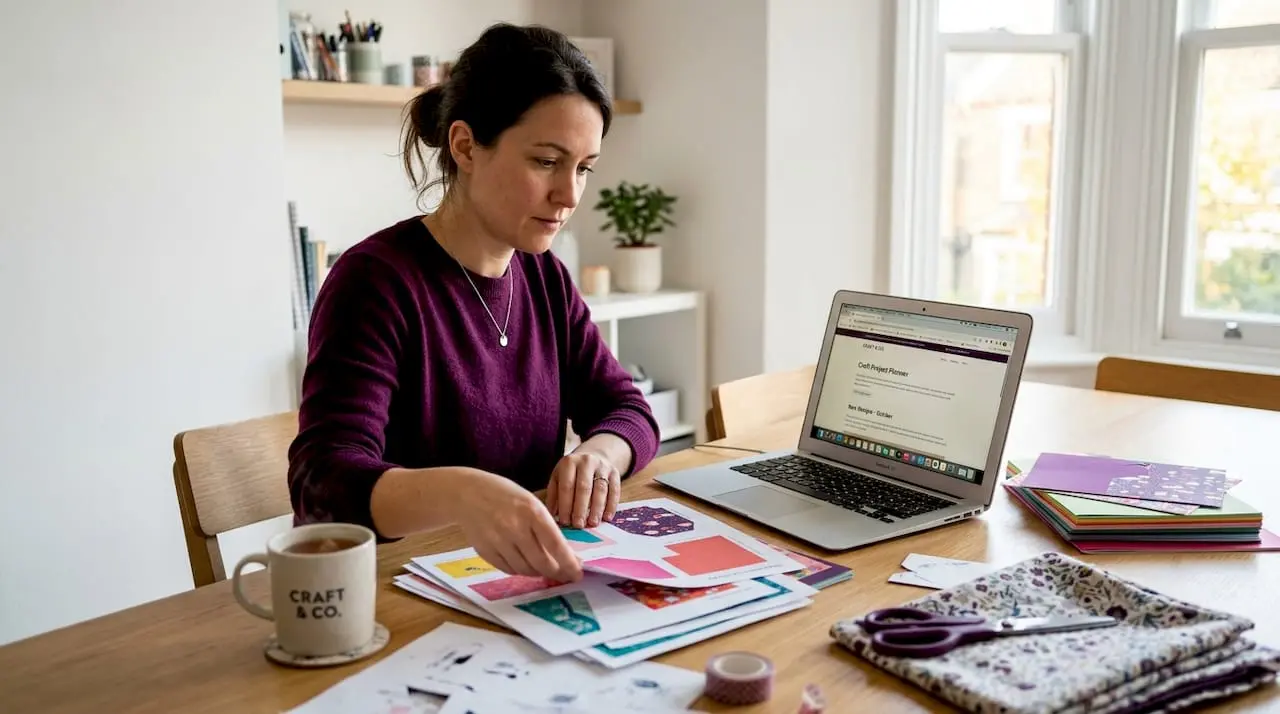
Crafting has always been about making something with your hands, but the role of digital downloads in crafting has quietly shifted what that actually means. You no longer need a physical rubber stamp for every occasion, a shelf groaning with paper packs, or a trip to the craft shop every time inspiration strikes. Digital downloads give you instant access to designs, templates, and patterns the moment you need them. This article covers what digital downloads are, how to use them well, and how to organise and protect your growing collection of digital crafting resources.
Table of Contents
- Key takeaways
- What digital downloads actually are
- How digital downloads enhance crafting creativity
- Organising your digital craft files
- Technical best practices for printing digital downloads
- Finding and legally using digital downloads
- My honest take on going digital with your crafting
- Explore digital craft downloads at Craftsuprint
- FAQ
Key takeaways
| Point | Details |
|---|---|
| Digital downloads save space and money | Replacing physical supplies with digital files reduces clutter and lowers your ongoing crafting costs. |
| Flexibility is the biggest creative advantage | You can resize, layer, and recolour digital assets in ways that physical stamps and stencils simply do not allow. |
| Organisation prevents wasted time | A consistent filing system with cloud backup means you spend time crafting, not hunting for files. |
| Licensing matters more than most crafters realise | Always check whether a file is for personal or commercial use before sharing or selling what you make with it. |
| Quality PDFs depend on correct formatting | Embedded fonts, proper margins, and the right file size determine whether your printed results look professional. |
What digital downloads actually are
If you have ever purchased a printable birthday card, a cross-stitch pattern as a PDF, or a set of clipart images to use in your paper crafts, you have already used a digital download. The term simply refers to any craft file you purchase or download online and then use on your own device or printer. No shipping. No waiting.
The most common file formats you will encounter are:
- .PDF — the standard for printable projects like cards, gift tags, and colouring sheets
- .PNG — ideal for digital stamps and clipart because the transparent background layers cleanly
- .SVG — used with cutting machines such as Cricut or Silhouette for precise vector cuts
- .JPEG — common for pattern backgrounds and photo-style designs
- .EPS — a vector format favoured by more advanced designers
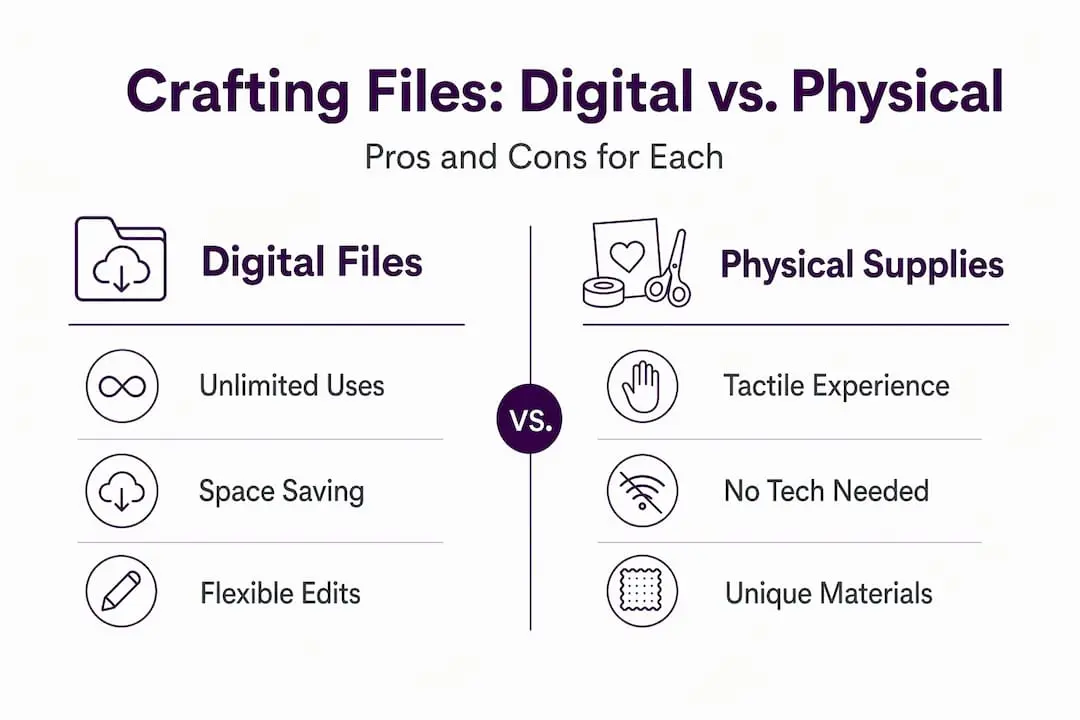
The benefits of digital downloads in crafting are especially clear when you consider how no inventory or shipping is involved on the seller’s side, which keeps prices low for buyers too. A full set of digital stamps can cost less than a single physical stamp set and take up zero drawer space.
One thing most beginners overlook is licensing. Every digital file comes with terms of use. A personal licence means you can use the design for your own projects but not to make items you sell. A commercial licence grants broader rights. Reading that small print before you buy is worth every second.
Digital stamps for cardmaking are particularly popular among hobby crafters, especially those who make handmade greeting cards. Other sought-after download types include printable planners, scrapbook papers, embroidery patterns, and full paper craft kits. The range of digital crafting resources available today is genuinely staggering, and quality has never been higher.
How digital downloads enhance crafting creativity
Here is the thing physical supplies cannot do: let you print the same image at four different sizes for the same project, all from one file. That single capability changes how you plan and build layouts. How digital downloads enhance crafting goes well beyond convenience.
Consider digital stamps. Unlike rubber or clear stamps, digital stamps allow resizing and layering of multiple designs, giving you the freedom to personalise every single card you make. You can print a focal image large for a portrait-style card, then shrink the same image to a thumbnail for a matching envelope seal. That level of control is genuinely difficult to replicate with physical tools.
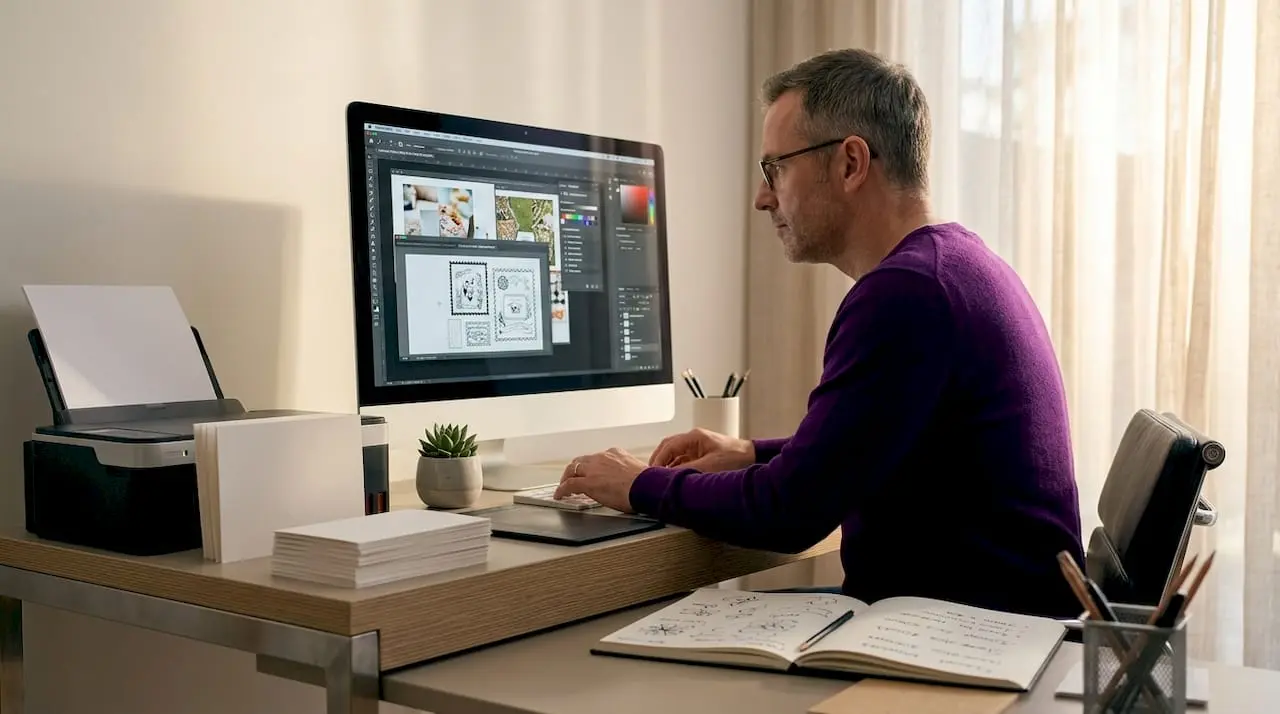
The budget case is just as strong. A single digital template for crafting can be used across dozens of projects, whereas a physical die or stamp is one-size-fixed. You also avoid the creeping clutter that tends to overtake craft rooms. Digital files live on a hard drive or in the cloud, not stacked in boxes under the table.
Some crafters worry that going digital means losing the tactile joy of the hobby. It does not. You still cut, fold, layer, glue, and embellish. The digital side just handles the design stage so you arrive at your craft desk with a perfectly sized, beautifully printed starting point.
Pro Tip: When making personalised cards with digital stamps, print a test sheet on plain copy paper first. This lets you check placement and sizing before committing your good card stock.
Other practical advantages worth knowing:
- Instant access at any hour, no shop trips required
- No degradation over time unlike ink pads that dry out
- Easy to share files across devices using cloud storage
- Colour variations are just a print setting away
Organising your digital craft files
Downloading files without a system is how you end up with a Downloads folder containing 600 unnamed images and no idea which is which. Good digital asset organisation is the difference between a usable collection and a digital hoard.
The most effective approach is to treat your Downloads folder as an inbox, not a destination. Here is a simple system that works for most hobby crafters:
- Create a master Crafts folder with subfolders by category: Cards, Scrapbooking, SVG Files, Backgrounds, Stamps, and so on.
- Name files descriptively the moment you save them. “BlueBirdStampPNG2026” is searchable. “download(3)” is useless.
- Add tags using your operating system’s tagging feature or a tool like Notion. Tags like “Christmas”, “floral”, or “A4” make cross-category searching quick.
- Back up to the cloud using Google Drive, Dropbox, or iCloud. This protects your purchases and gives you access from any device.
- Schedule a weekly reset. A weekly digital tidy of 15 minutes, filing new downloads and deleting duplicates, keeps your library manageable long term.
The impact of digital tools on crafting workflows becomes obvious once you have a properly organised library. Finding exactly the right floral border in under 30 seconds instead of 30 minutes genuinely changes how often you sit down to craft.
Pro Tip: Save your licence documents in the same folder as the file they belong to. If you ever sell crafts made with a commercial licence file, you will want that paperwork close to hand.
Technical best practices for printing digital downloads
Understanding a bit of the technical side saves you from wasted paper, muddy colours, and designs that print misaligned. PDF formatting errors like incorrect margins cause printing issues, and offering both A4 and US Letter versions with embedded fonts prevents the most common problems crafters encounter.
Here is a comparison of PDF features that matter most for craft printables:
| PDF feature | Why it matters | Recommended setting |
|---|---|---|
| Margin size | Prevents content being cut off | Approximately 19mm (0.75 inches) on all sides |
| Embedded fonts | Ensures text looks correct on any printer | Always embed, never rely on system fonts |
| Colour mode | Affects print accuracy | Use CMYK for print, RGB for screen viewing |
| File size | Large files slow downloads and printing | Compress images to 150 to 300 DPI for home printers |
| Page size | Must match your printer’s paper setting | Offer A4 version for UK crafters |
Home printers vary enormously in how they handle colour. If a design looks too dark when printed, increase brightness in your PDF viewer before printing rather than editing the original file. Many crafters also keep a folder of test prints, one printed sample next to the file name, so they can browse their collection physically as well as digitally.
For cutting machine files like SVGs, always check the artboard dimensions before importing. A design built at 12 by 12 inches will behave differently to one built at A4 size, and getting that wrong wastes both material and time.
Finding and legally using digital downloads
Not all digital crafting resources are created equal, and not all of them are legal to use in every way. Understanding this before you build your library protects you and supports the independent designers who create the files you love.
The core distinction is between personal use and commercial use licences. Most free clip art comes with a personal use licence only, meaning you can make cards for family but not sell those cards at a craft fair or online. Commercial licences cover selling, and they usually cost more because they reflect the designer’s work going further.
Where should you source your files? Prioritise platforms that vet their designers and clearly display licence terms. Craftsuprint, for example, shows licence information on every product listing so you know exactly what you are buying before you spend a penny.
Here are best practices for keeping your licence documentation in order:
- Save the licence PDF or screenshot alongside every download you purchase
- Note the date of purchase and the platform in a simple spreadsheet
- If a licence is ambiguous, contact the seller before using the file commercially
- Google Fonts are safe for commercial use, but many paid font licences restrict printing use
- Never assume that buying a file means you can resell the file itself
The ethical side matters too. Designers who create digital templates for crafting put real creative labour into their work. Respecting their licence terms keeps that community thriving and keeps new designs coming.
My honest take on going digital with your crafting
I came to digital downloads later than most. My craft room was already full of physical stamps, dies, and paper packs, and the idea of adding yet another thing to manage felt counterproductive. What actually happened surprised me.
Within a month of using digital stamps regularly, I noticed I was finishing more projects. Not because I was faster, but because I stopped stalling at the “I don’t have the right stamp for this” stage. The library I had built digitally covered almost every theme I needed, and I could reach it in seconds.
The barrier I hear most from other crafters is the tech side. Setting up folders, managing file types, worrying about printing settings. None of it is as complicated as it sounds. You do not need design software or any special skills. A decent home printer, a basic folder system, and a clear sense of what licences you hold is genuinely all you need to start.
My one caution: build your library intentionally. The automated delivery that makes buying digital files so frictionless can also lead to a collection of impulse downloads you never use. Buy with a specific project in mind, file it properly, and use it before your next purchase. That discipline alone transforms your digital crafting experience.
— Rob
Explore digital craft downloads at Craftsuprint
If you are ready to put any of this into practice, Craftsuprint is the place to start. The platform carries thousands of card making downloads covering every theme, season, and style you can think of, alongside craft supplies, full project kits, and step-by-step tutorials that show you exactly how to bring each design to life.
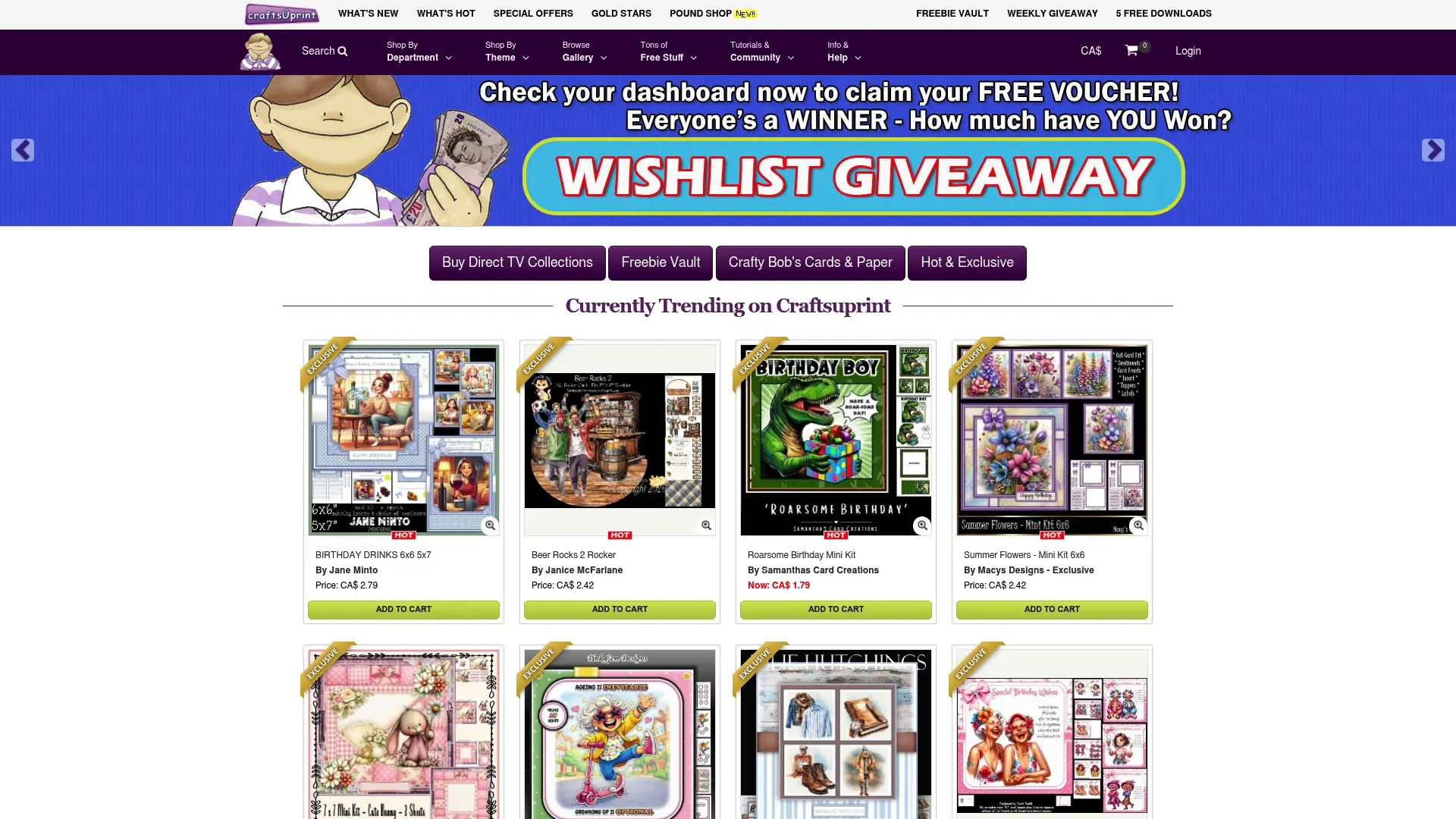
Whether you are a complete beginner looking for your first printable kit or an experienced crafter building out your digital stamp library, Craftsuprint’s catalogue has something worth exploring. Weekly freebies mean you can try before you buy, and the tutorials make the technical side far less daunting. Browse the full range at Craftsuprint and find your next project waiting.
FAQ
What is the role of digital downloads in crafting?
Digital downloads provide crafters with instant access to designs, patterns, and templates they can print or cut at home, replacing many physical supplies and giving greater creative flexibility.
Are digital stamps better than rubber stamps?
Digital stamps offer resizing and layering that rubber stamps cannot, and they take up no physical space. However, rubber stamps suit crafters who prefer a purely hands-on printing process.
What file format should I use for craft printables?
PDF is the standard for printable craft projects because it preserves layout and fonts across devices and printers. PNG works best for stamps and clipart where a transparent background is needed.
Do I need special software to use digital downloads?
No. Most printable PDF files open in free software like Adobe Acrobat Reader or your browser. SVG files for cutting machines require compatible software, but the machine’s own program usually handles that.
Can I sell crafts made from digital downloads?
Only if the file includes a commercial licence. Always check the licence terms before selling, and keep a copy of the licence documentation in case it is ever needed.