
Essential paper crafting resources for creative projects
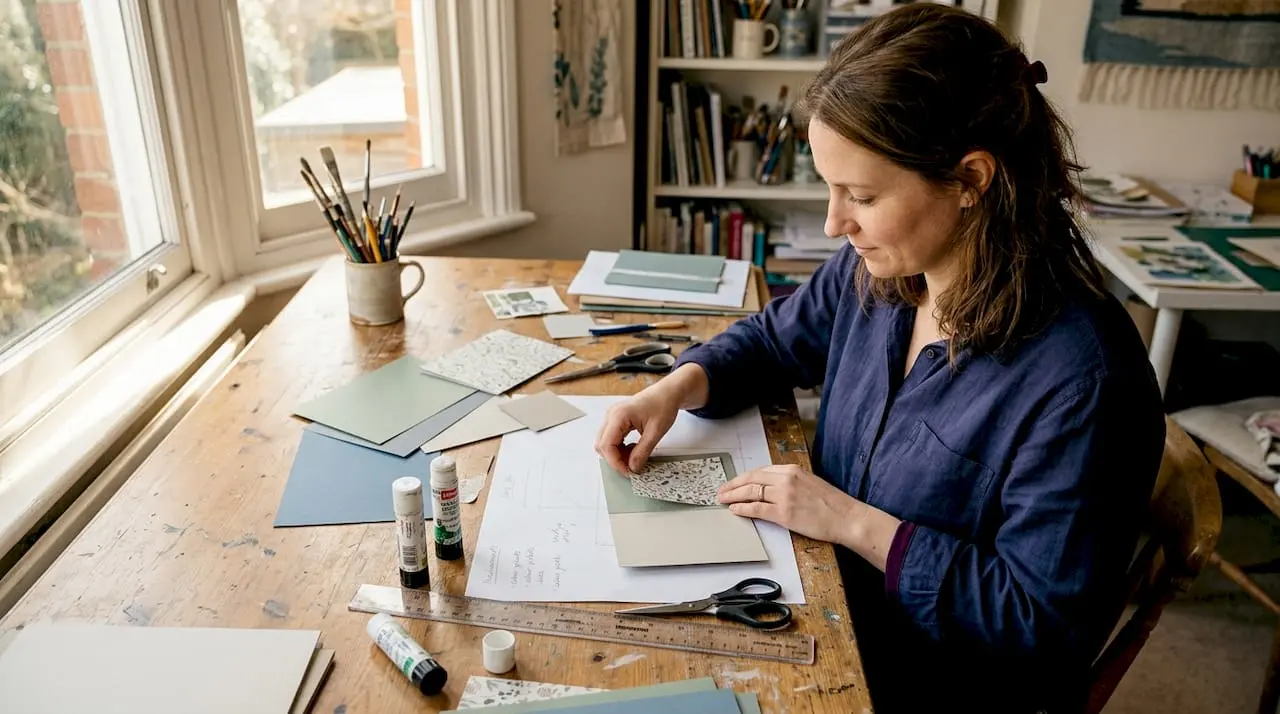
Many crafters assume you need overflowing shelves of physical supplies before you can make anything worthwhile. That belief is outdated. Modern paper crafting has shifted dramatically, and today you can access thousands of designs, patterns, and kits entirely online, downloading them the moment inspiration strikes. Digital paper crafting resources are downloadable, flexible, and do not require physical storage, making them ideal for hobbyists with limited space or those who simply want more variety without the clutter. Whether you are brand new to paper crafting or a seasoned maker, understanding what resources are available and how to use them well is the smartest starting point.
Table of Contents
- Defining paper crafting resources
- Essential paper types and their uses
- Understanding digital paper crafting resources
- How to source, organise, and use crafting resources
- Why digital-first crafters have an edge in 2026
- Find everything you need for your next project
- Frequently asked questions
Key Takeaways
| Point | Details |
|---|---|
| Versatile materials | Paper crafting resources include both physical supplies and instantly downloadable digital files. |
| Choose quality paper | Selecting the right type and weight of paper improves durability and final results. |
| Embrace digital | Digital resources give you thousands of creative options with no need for extra storage. |
| Stay organised | Organising your physical and digital materials saves time and inspires more creativity. |
Defining paper crafting resources
Paper crafting resources are any materials or tools that support the creation of handmade paper projects. Traditionally, these were entirely physical: sheets of printed cardstock, rolls of ribbon, adhesive tape runners, embellishments like brads and sequins, and patterned papers bought from craft shops. Each item needed to be stored, sorted, and eventually replenished. For many hobbyists, that led to overstuffed drawers and a room dedicated entirely to supplies.
Digital resources have changed that picture entirely. Now, a single folder on your computer can hold hundreds of designs ready to print whenever you need them. Digital paper crafting resources typically include:
- Downloadable patterned papers in a wide range of themes and colourways
- Digital stamps that can be resized and recoloured before printing
- Toppers and cut-outs for layering onto cards
- Full mini kits containing coordinating papers, sentiments, and embellishment sheets
- Tutorials and templates that guide you through each project step by step
Both physical and digital resources serve the same fundamental purpose: giving you the raw materials to create. Cardstock is the backbone of paper crafting, ideal for cards and boxes, and that principle applies whether you buy it in a shop or print a digital version at home.
For hobbyists and small businesses alike, digital resources offer a practical advantage. You can buy a single design rather than a whole pack, print only as many copies as you need, and revisit the files months later for a different project. Browsing card making downloads gives you a sense of just how broad the range has become, from vintage florals to modern geometric patterns.
Pro Tip: Mix physical and digital resources for maximum versatility. Use bought cardstock as your base layer and print digital toppers to sit on top. This gives you the tactile pleasure of real paper combined with the endless variety of downloadable designs.
Essential paper types and their uses
Choosing the right paper is one of the most important decisions you will make in any project. Paper is not just paper. Weight, texture, and composition all affect how your finished piece looks and how long it lasts.
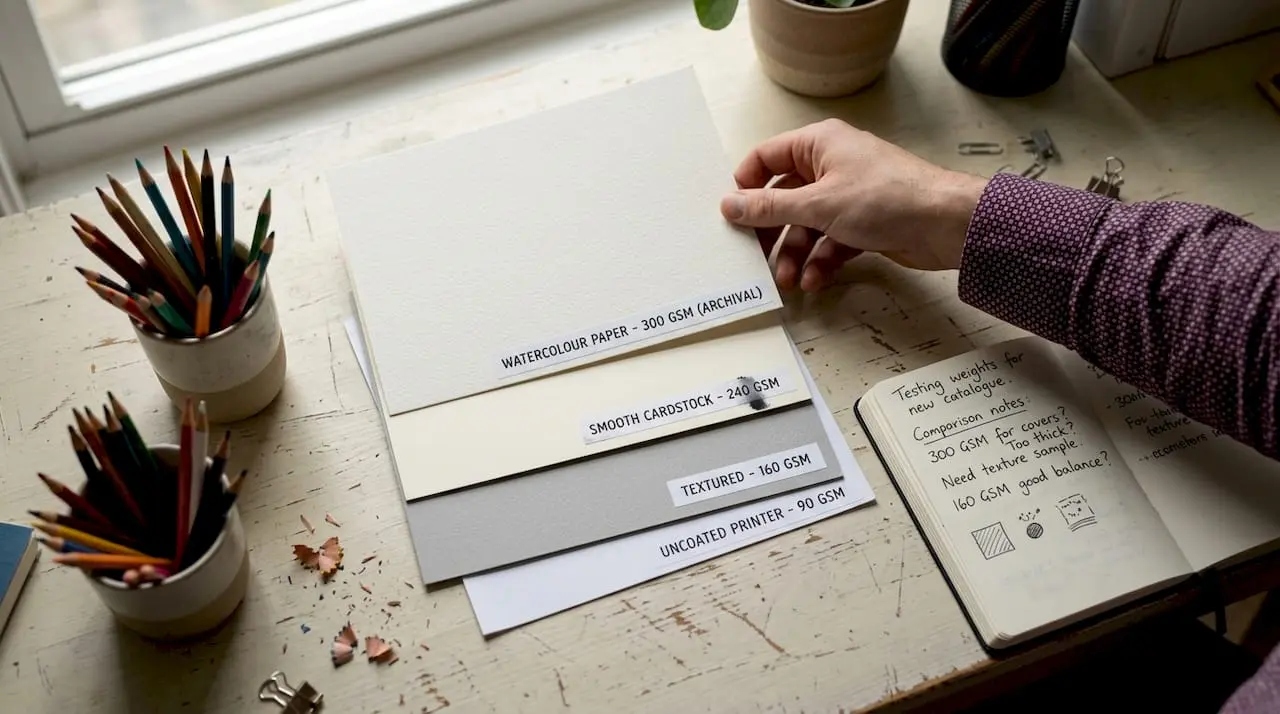
Weight is measured in gsm (grams per square metre). A higher gsm means a heavier, sturdier sheet. For most paper crafting, paper weights between 160 and 250 gsm suit the majority of projects well. Thin copy paper at 80 gsm is far too flimsy for cards, while very heavy board above 350 gsm can be difficult to score and fold neatly.
Here is a quick overview of the most common paper types:
| Paper type | Weight range | Common uses |
|---|---|---|
| Standard cardstock | 160 to 250 gsm | Cards, boxes, layering |
| Bristol board | 180 to 270 gsm | Detailed stamping, sketching bases |
| Acid-free paper | 120 to 200 gsm | Scrapbooks, keepsakes, albums |
| Vellum | 90 to 120 gsm | Overlays, window effects |
| Kraft paper | 120 to 180 gsm | Rustic and vintage projects |
The 180 gsm Bristol board is widely regarded among the community picks for papercraft papers as a favourite for detailed work because it accepts ink cleanly and holds embossing well without warping.
Acid-free paper deserves a special mention. Standard paper contains acids that cause it to yellow and become brittle over time. Acid-free versions are chemically neutral, which means your finished projects stay looking fresh for years, or even decades. This matters most for scrapbooks, memory albums, and any card you want to keep as a keepsake.
When planning printable card projects, it is worth printing a test sheet on plain paper first to check colours and proportions before committing your quality cardstock. This saves both material and frustration.
Understanding digital paper crafting resources
Digital resources have moved from a niche curiosity to a central part of many crafters’ workflows. Once you understand what is available and how to use it, the appeal becomes obvious.
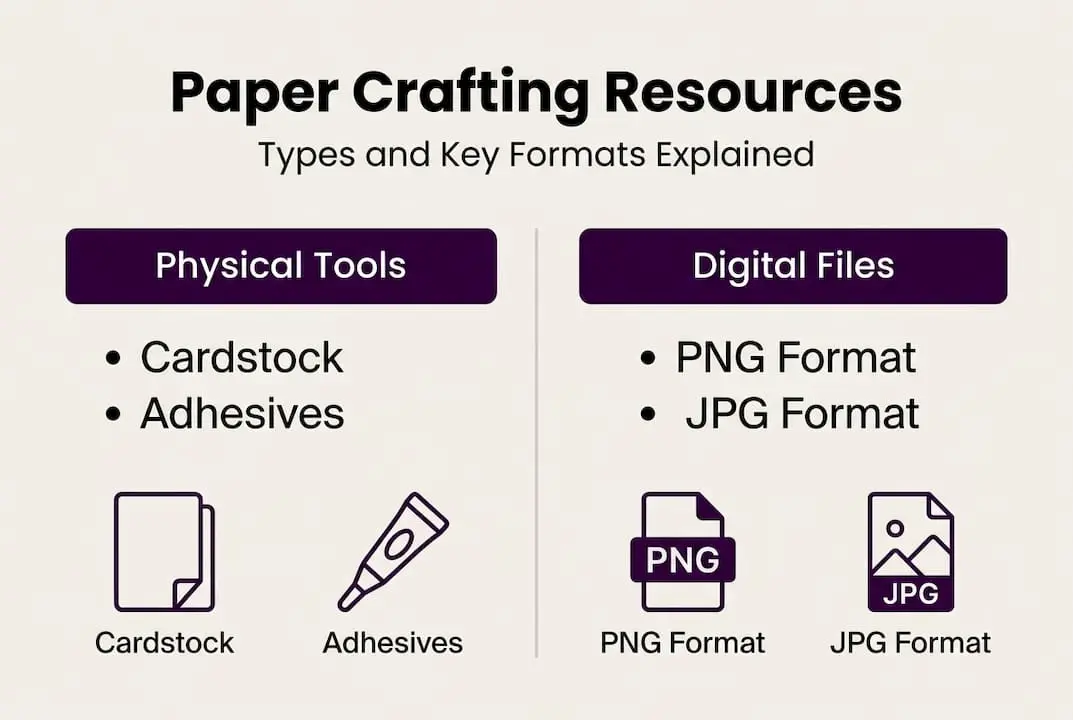
The most common digital file formats you will encounter are PNG and JPG. PNG files support transparent backgrounds, which is essential for stamps and toppers that need to sit cleanly over coloured or patterned paper. JPG files are compressed images better suited to full digital papers and backgrounds where a transparent layer is not needed. Understanding this distinction saves you from printing a stamp with an unwanted white box around it.
Here is a comparison of traditional versus digital resources:
| Feature | Traditional resources | Digital resources |
|---|---|---|
| Storage | Physical space required | Stored on computer or cloud |
| Cost | Per item or pack | Often lower per design |
| Flexibility | Fixed size and colour | Resizable and recolourable |
| Availability | Shop opening hours | Instant, 24 hours a day |
| Variety | Limited by stock | Thousands of designs online |
Digital resources offer flexibility, no storage needs, and genuine cost savings compared to buying physical equivalents, especially if you craft regularly.
Using a downloadable kit at home is straightforward. Follow these steps:
- Purchase and download your chosen kit to a clearly labelled folder on your computer.
- Open the files in a standard image viewer or word-processing programme to check the layout.
- Resize if needed, particularly for toppers that need to fit a specific card format.
- Print onto quality cardstock using your home printer set to the highest quality setting.
- Cut, score, and assemble your project using the included guide or your own design instincts.
Pro Tip: Always print onto good-quality cardstock rather than plain paper. The difference in colour vibrancy and overall finish is striking, and it makes your handmade cards look truly professional.
Exploring digital card making kits is a brilliant way to see the range of themes available, from seasonal celebrations to everyday occasion designs, all ready to print at home.
How to source, organise, and use crafting resources
Knowing where to find quality resources is just as important as knowing what to look for. Digital crafting materials are available across a wide range of platforms, from dedicated marketplaces to community forums. Some sites offer free weekly downloads as well as paid packs, so it is worth bookmarking a few trusted sources and checking them regularly.
Once you start downloading files, organisation becomes essential. Here are some straightforward practices to keep your digital library manageable:
- Create a master folder labelled something like “Craft Downloads” at the top level
- Use sub-folders by theme or occasion, such as Birthday, Christmas, or Floral
- Add the designer’s name or source to folder names so you can find similar styles later
- Back up your files to cloud storage or an external hard drive to protect your collection
- Keep a simple spreadsheet noting which kits you own and their themes
Turning a downloaded resource into a finished card does not have to be complicated. Follow this process:
- Choose a kit that matches your occasion or theme.
- Print the background paper and topper sheets onto cardstock.
- Score and fold your base card to the required size.
- Trim toppers and layer them onto the card base using foam pads for dimension.
- Add any handwritten or printed sentiment to complete the design.
- Leave to dry fully before placing in an envelope.
As digital resources remove the need for physical storage and offer on-demand print options, your creative range expands without your physical space shrinking.
“Digital kits remove clutter. Print only what you need, when you need it.”
For keeping your organising paper crafting files sorted efficiently, a consistent naming convention from day one makes a real difference as your collection grows.
Why digital-first crafters have an edge in 2026
There is a temptation to romanticise the old way of doing things: browsing craft shops, collecting physical papers, and building up a tangible stash of supplies. That experience has real charm, and we understand why many crafters still love it.
But here is an honest observation: digital-first crafters consistently produce more varied work, at lower cost, with less waste. The ability to instantly access a design in a different colourway, rescale a topper for a smaller card, or reprint a damaged sheet without buying a whole new pack is genuinely transformative.
The only real pitfall is the sheer volume of choice. It is easy to download dozens of kits and never use half of them. The solution is intentional curation. Build your own mini digital library around themes and occasions that reflect what you actually make. Revisit your folders regularly and delete what no longer fits your style.
Exploring emerging trends in crafting through a digital lens also means you stay current without constantly restocking physical supplies. Digital-first crafters adapt faster, spend more thoughtfully, and often find their creative output grows rather than stagnates.
Find everything you need for your next project
If this article has sparked ideas, the good news is that pulling together your crafting materials is now simpler than ever. Craftsuprint offers an extensive range of printable kits, digital papers, toppers, and project templates, all created by independent designers and ready to download immediately.
Whether you are making your first handmade card or expanding an already busy crafting schedule, you can explore card making downloads at any skill level and for any occasion. Browse by theme, designer, or format, and download what you need in minutes. Your next favourite project is just a print away.
Frequently asked questions
What are the key benefits of digital paper crafting resources?
Digital resources offer flexibility and cost savings, with no need for physical storage space, making them ideal for crafters of all levels.
What GSM paper is best for card making?
For most card making, paper between 160 and 250 gsm works best, and 180 gsm Bristol board is particularly popular for its clean, sturdy finish.
How do I print digital crafting resources at home?
Simply download your PNG or JPG files, then print onto quality cardstock using your home printer set to the highest available quality setting.
What is acid-free paper and why does it matter?
Acid-free paper prevents yellowing and is the best choice for scrapbooks or keepsakes where you want your finished work to last for many years.